You have just invested in a high-end home theater system, meticulously unboxing your new equipment and running high-quality cabling. Yet, the moment you power it on, your listening experience is marred by a persistent, soul-crushing buzz, hiss, or electrical chatter. Alternatively, you might notice strange, rhythmic banding or flickering waves ghosting across your television display.
In a frustrating twist of fate, when you bring this equipment back to the retailer, the salesperson plugs it in, and the system performs flawlessly. This phenomenon is rarely due to defective hardware; rather, it is usually a symptom of your home’s specific electrical environment. Dealing with electromagnetic interference (EMI) and ground loops is a rite of passage for every enthusiast, but with a systematic approach, these unwanted noises can be permanently eradicated.

Main Facts: Identifying the Enemy
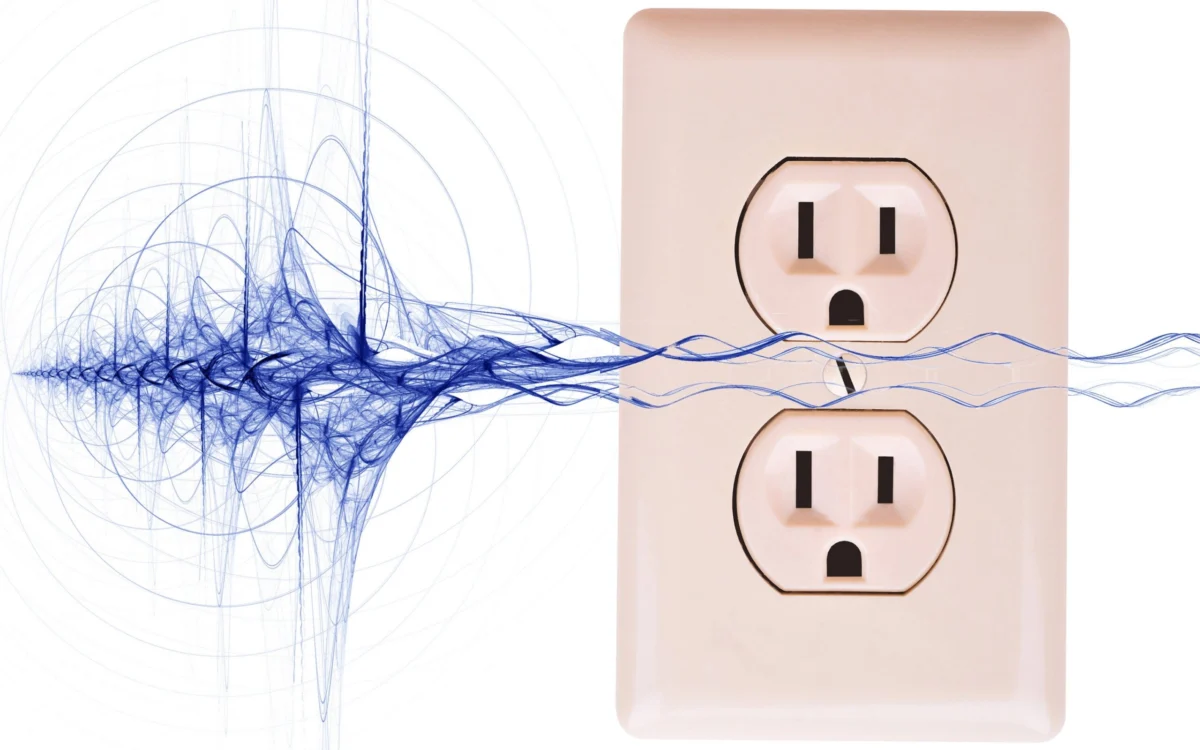
The primary cause of unwanted audio/video noise is rarely the equipment itself, but rather the way it interacts with the electrical infrastructure of your home. Electrical noise generally stems from three primary culprits: Ground Loops, AC Line Interference, and Radio Frequency Interference (RFI).
A ground loop occurs when interconnected pieces of equipment are powered by different AC outlets, creating a path for electrical current to travel through the shielding of your signal cables. This creates an unintended antenna effect, "sucking in" ambient electrical noise. Meanwhile, AC line noise is introduced by household appliances—such as hair dryers, blenders, or dimmers—that "dirty" the electricity powering your sensitive gear. Finally, RFI arises from the sheer density of wireless signals in the modern home, ranging from Wi-Fi routers to cellular devices.

Chronology: The Troubleshooting Workflow
To resolve these issues, it is essential to follow a logical, step-by-step diagnostic process. Do not rush to buy expensive power conditioners until you have exhausted the following stages:
Phase 1: The "Single Outlet" Audit
The most effective and inexpensive fix for hum is to ensure that all interconnected equipment is powered by the same AC source. By plugging your television, soundbar, subwoofer, and media players into a single, high-quality power strip—and then into one wall socket—you eliminate the potential for different ground potentials between devices.

Phase 2: Cable Management and Inspection
If the noise persists, audit your cable runs. Power cables generate magnetic fields that can induce hum into audio signal cables. Never run power cords parallel to or tightly bundled with RCA, HDMI, or balanced audio cables. If they must cross, ensure they do so at a 90-degree angle to minimize interference.
Phase 3: Hardware Isolation
If the noise remains, test your components by disconnecting them one by one. If you are using a cable box or an over-the-air antenna, disconnect the coaxial cable from the back of the device. If the hum vanishes, the issue is likely a ground potential difference between your cable provider’s infrastructure and your home’s electrical ground.

Supporting Data: Technical Solutions
When standard troubleshooting fails, the following technical solutions have proven effective in professional and home environments:
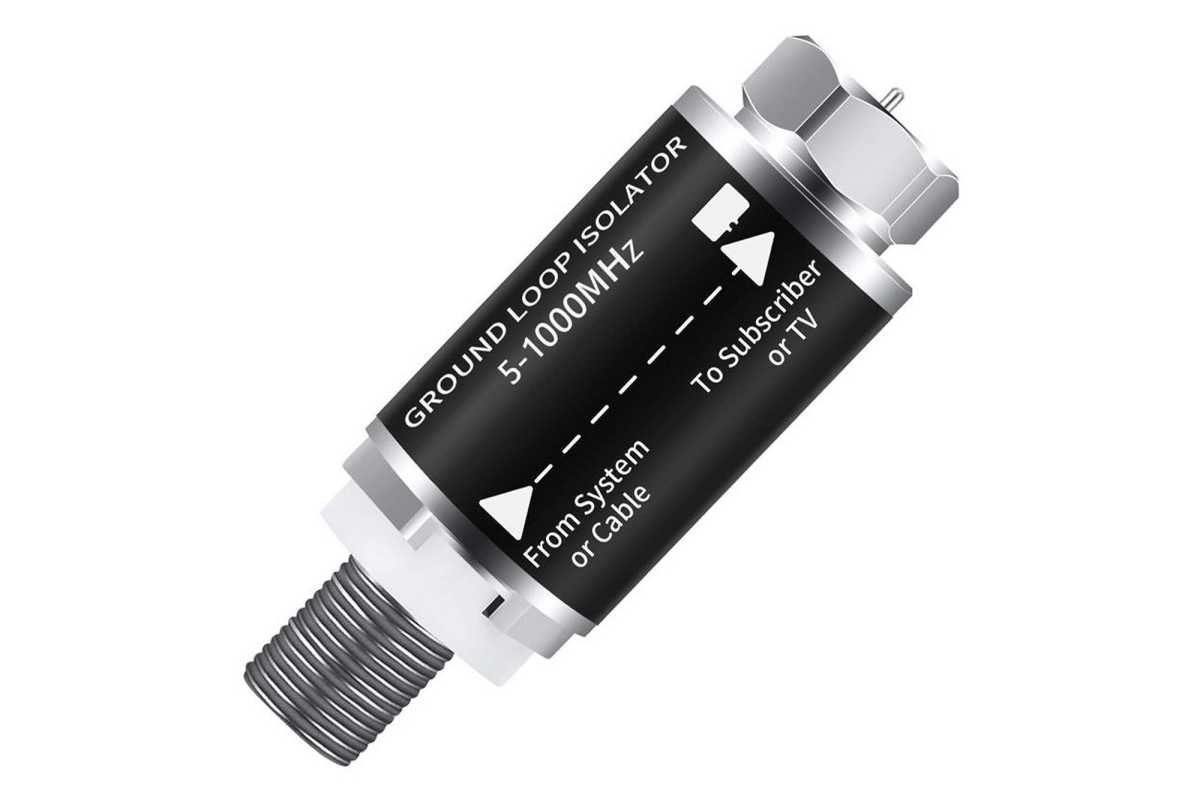
1. Ground Loop Isolators ($10–$20)
For visual banding or hum caused by cable/satellite lines, a passive ground loop isolator is the gold standard. These devices break the physical electrical connection between the incoming cable signal and your device while allowing the data signal to pass through unimpeded.
2. Hum Eliminators ($80+)
For persistent 60Hz hum in audio chains, devices like the EBTech Hum X are designed to safely filter voltage on the ground line without creating the safety hazards associated with "cheater plugs" (the illegal and dangerous practice of removing the third prong from an AC plug).
3. Ferrite Beads and Chokes ($10–$15)
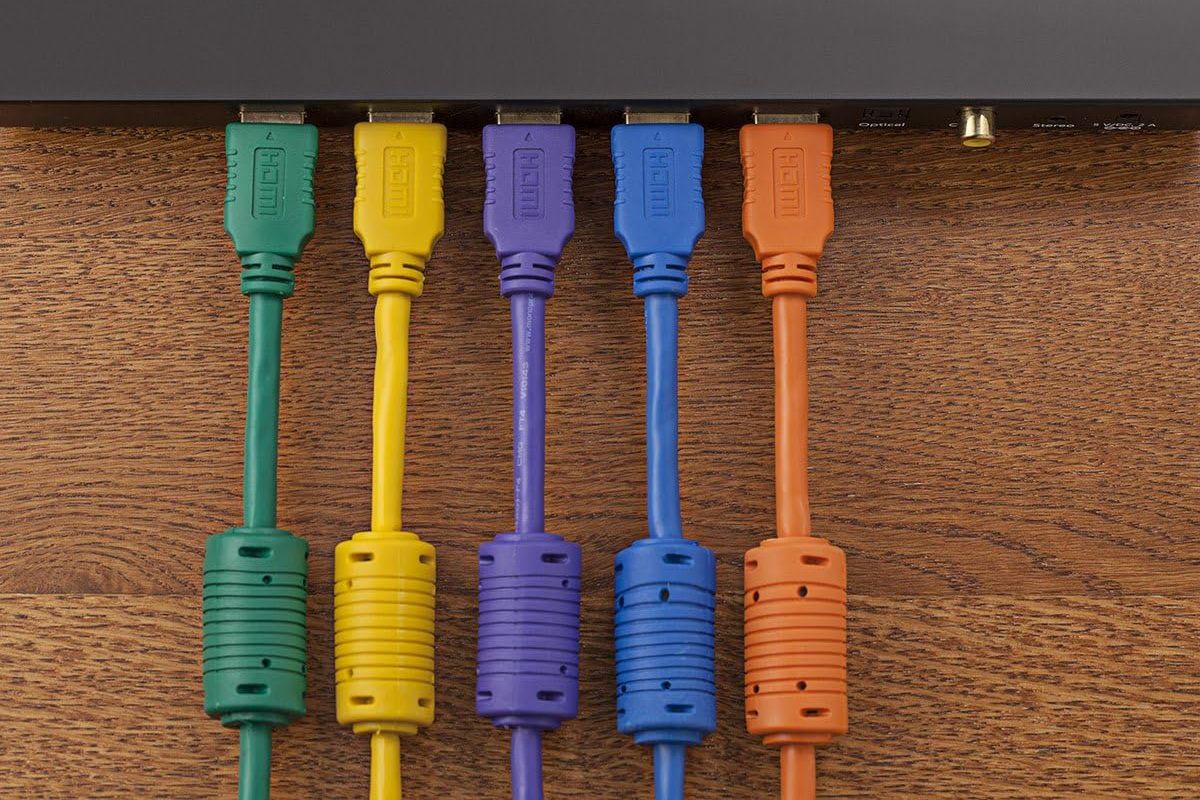
Ferrite beads are simple iron-based sleeves that snap onto cables. They function by increasing the impedance of the cable at high frequencies, effectively suppressing the RFI that often plagues USB and HDMI cables.
4. Isolation Transformers ($250–$500+)
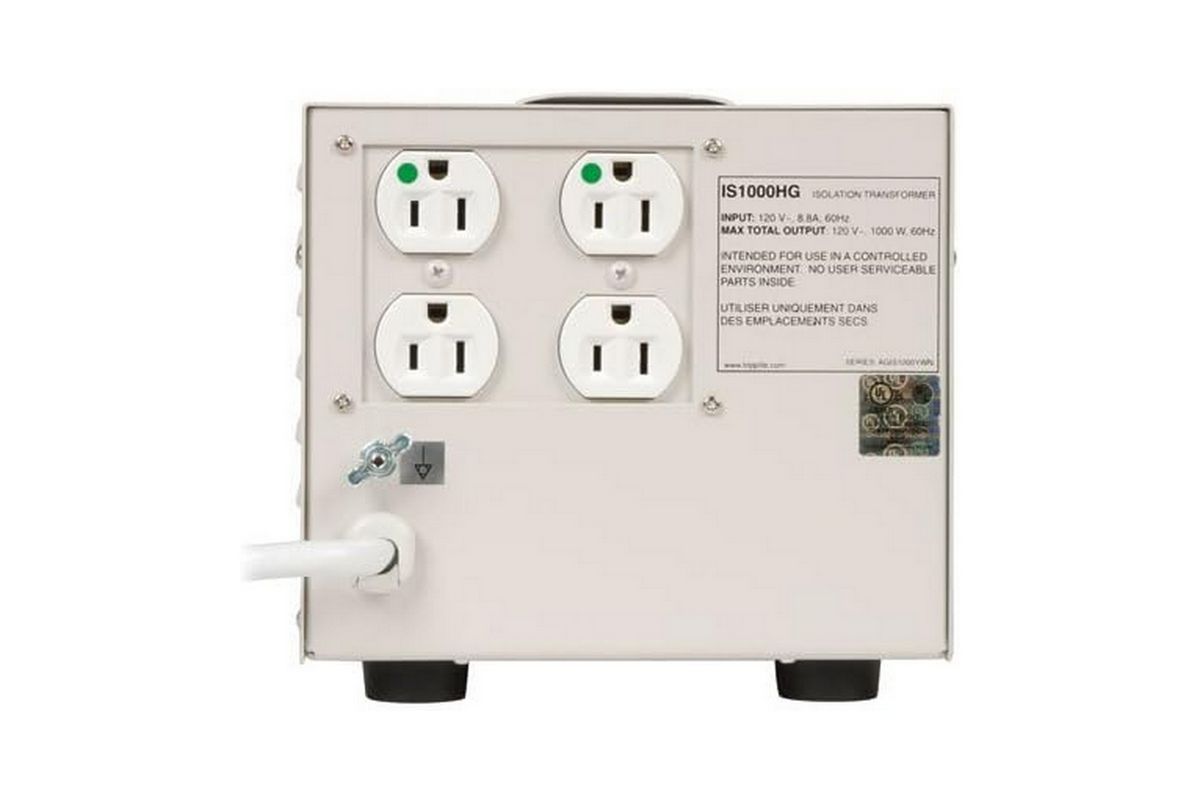
For those with extremely "dirty" power, an isolation transformer—such as the Tripp Lite IS1000HG—physically separates your equipment from the utility company’s power grid using electromagnetic induction. This is often used in medical environments to ensure clean readings and is the ultimate solution for audiophiles dealing with fluctuating or noisy line current.
Official Perspectives and Industry Standards
Engineers in the audio-visual industry emphasize that "more expensive" does not always mean "better" when it comes to cabling. The industry consensus is that while high-quality shielding is vital, the law of diminishing returns sets in quickly. Gold-plated connectors are valuable solely for their resistance to oxidation, not because gold is the most conductive material. Copper remains the superior conductor.
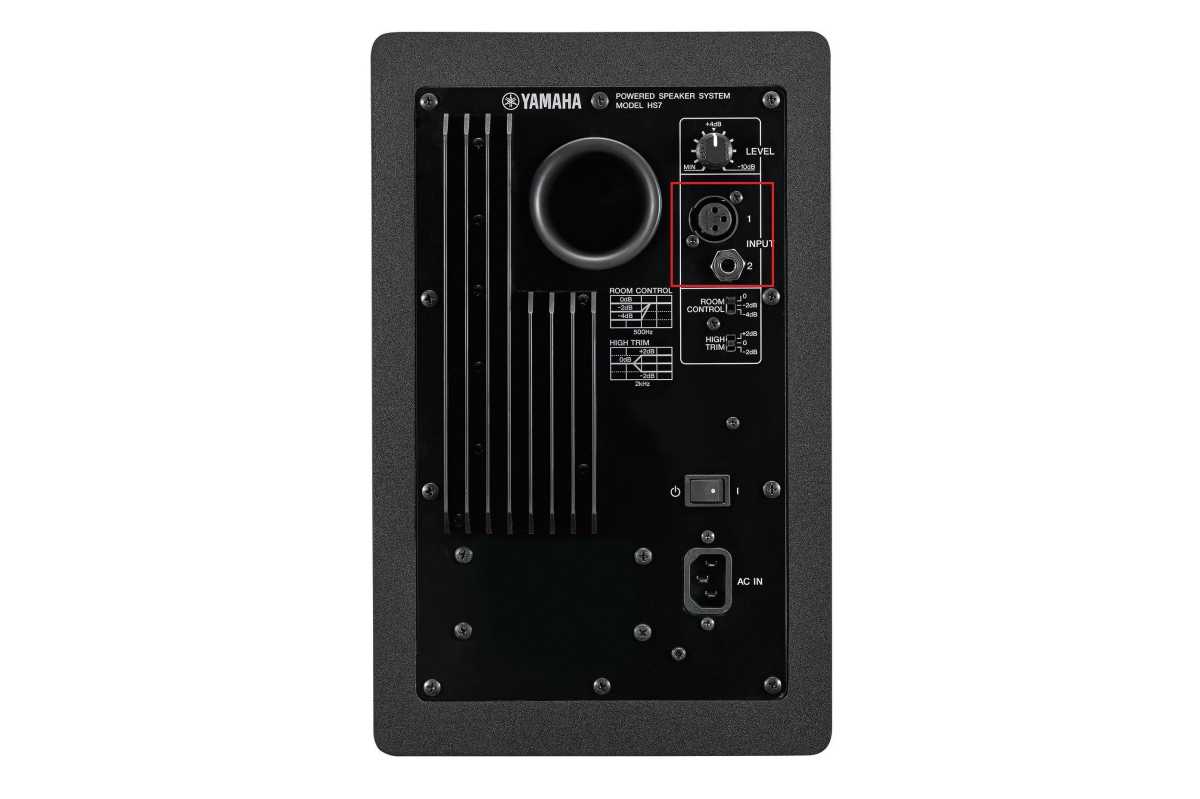
Furthermore, industry experts advocate for Balanced Connections (XLR or TRS) wherever possible. Unlike unbalanced RCA cables, balanced cables utilize two conductors with reversed polarity and a separate ground. This design allows the receiving device to cancel out any noise picked up along the cable run, making it the preferred standard for professional audio and high-end home systems.
Implications: The Long-Term Setup
Eliminating noise is not just about peace and quiet; it is about protecting the longevity and performance of your hardware.
The PC Audio Dilemma
Internal audio components on a PC motherboard are notoriously susceptible to noise, as they share space with power-hungry GPUs and CPUs that emit massive amounts of RFI. The professional recommendation is to move to external USB or Thunderbolt audio interfaces. These devices shift the digital-to-analog conversion process outside the "electrically noisy" chassis of the computer.
The Role of Power Protection
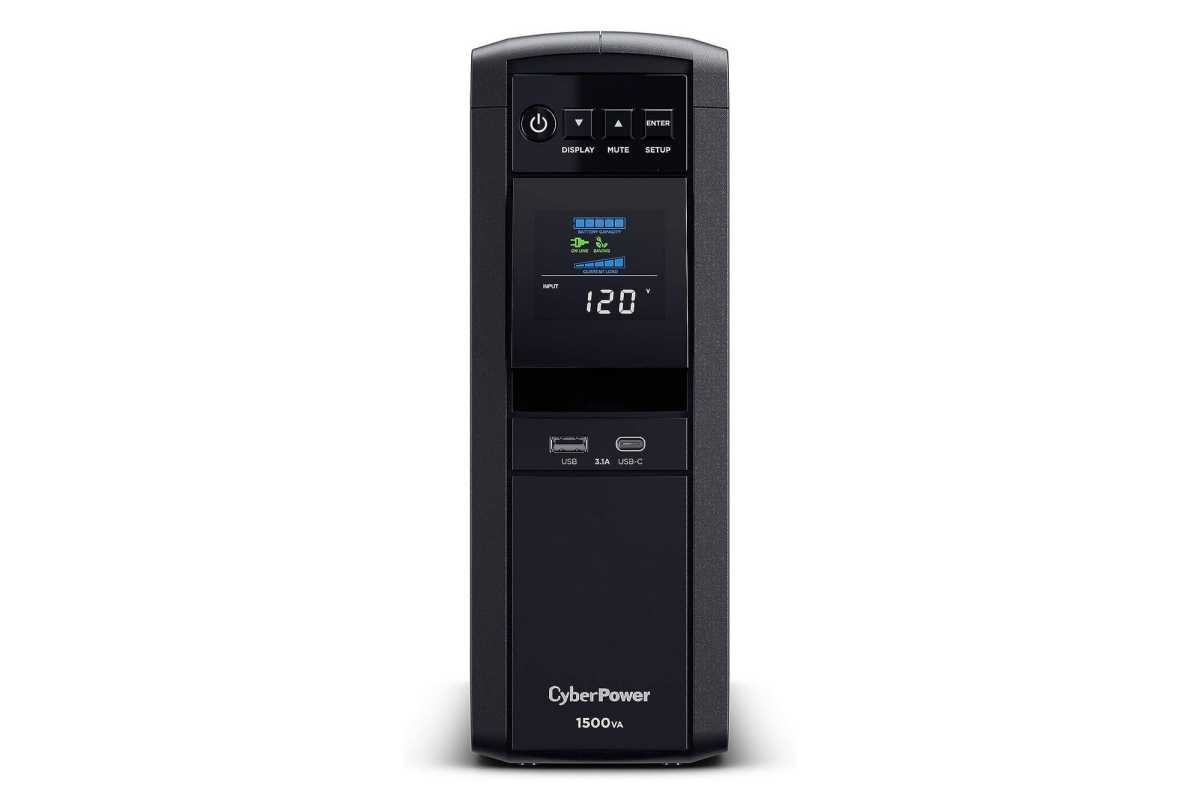
While a standard surge protector protects against spikes, it does not clean the "signal" of the electricity. If you live in an older building with aging wiring, a line-interactive Uninterruptible Power Supply (UPS) is a wise investment. By continuously converting AC power to DC and back to a pure sine wave AC, these units ensure that your equipment receives a steady, clean flow of energy, effectively shielding it from the fluctuations of the outside grid.
Final Best Practices
- Avoid Loops: Do not coil extra cable length; keep runs as short as necessary.
- Keep it Balanced: If your equipment has XLR or TRS outputs, prioritize these over unbalanced RCA.
- Check for Microphonics: If you hear "noise" that pulses with vibration or bass, ensure your cables are not loose or microphonic—sometimes, a simple tap on the cable reveals a faulty connection.
- Prioritize Quality: When buying cables, look for "shielded" models from reputable, established manufacturers rather than "boutique" brands that promise impossible improvements based on exotic materials.
By systematically applying these methods, you can move from a state of frustration to a pristine, high-fidelity experience. Remember: the goal is to hear the music and see the image as the creator intended, without the unwanted accompaniment of the electrical hum of the modern world.