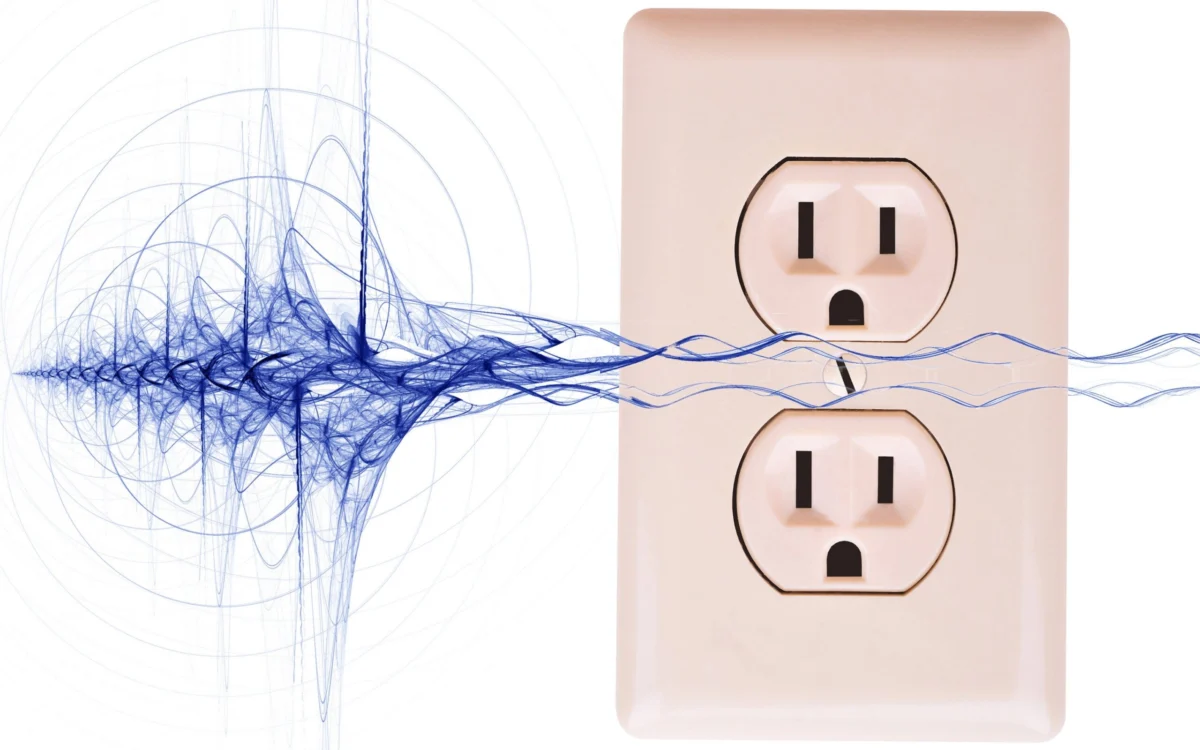
There is perhaps no greater frustration for an enthusiast than setting up a high-fidelity home theater system, only to have the experience marred by a persistent, low-frequency hum or an unexplained visual jitter. You have invested in the best speakers, the sharpest display, and the most reliable cabling—yet your system is plagued by buzz, whine, hiss, or electrical chatter. Even more confounding is the "store-demo paradox": you pack up your gear to return it, only to watch a salesperson plug it in at the shop and see it function perfectly.
The problem is rarely the equipment itself. Instead, you are likely battling the invisible complexities of your home’s electrical environment. From ground loops to radio frequency interference (RFI), external factors can introduce noise into your system. This guide breaks down the science of these disruptions and provides actionable strategies to restore the pristine audio and video quality you paid for.

Main Facts: Identifying the Culprits
Most electrical noise in A/V systems stems from three primary sources: ground loops, AC line noise, and electromagnetic interference (EMI).
A ground loop occurs when multiple components in a system are connected to the electrical grid via different AC outlets, creating a potential difference between them. When these devices are linked by signal cables (like HDMI or RCA), the ground wire within those cables becomes a secondary path for electricity. This creates a "loop" that acts as an antenna, picking up 60Hz hum from your home’s power lines.

AC line noise is equally pervasive. Appliances with motors—such as refrigerators, hair dryers, and blenders—or devices with electronic dimmers, introduce "dirty" power into your walls. This noise travels through your power strips and into your sensitive audio/video components, often manifesting as high-pitched whine or flickering patterns on a display.
Finally, RFI and EMI are caused by wireless devices, poorly shielded cables, or proximity to high-voltage equipment. These external signals bleed into your signal chain, turning your high-quality interconnects into conduits for static.

Chronology of the Problem: From Unboxing to Troubleshooting
The "troubleshooting timeline" typically follows a predictable pattern for most consumers:
- The Setup Phase: The user installs a new receiver, TV, and console. Everything is powered by different wall outlets for convenience.
- The Discovery Phase: A faint hum is noticed during quiet scenes, or a strange, scrolling band appears on the TV screen.
- The Denial Phase: The user assumes the equipment is defective and initiates a return process.
- The Diagnostic Phase: After the "store-demo paradox" occurs, the realization sets in that the issue is site-specific.
- The Mitigation Phase: The user begins the process of centralizing power, checking cable routing, and potentially introducing filtering hardware to isolate the system from the home’s "noisy" electrical ground.
Supporting Data and Technical Solutions
Addressing these issues requires a tiered approach, moving from simple physical reorganization to the implementation of dedicated filtering hardware.

1. The Power Centralization Strategy
The most effective, cost-free solution to a ground loop is to ensure that all interconnected devices share a common ground. By plugging your TV, audio receiver, streaming box, and powered subwoofers into a single, high-quality power strip—and subsequently a single wall outlet—you eliminate the potential difference that drives a ground loop. For most home setups, a standard 15-amp circuit is more than sufficient to handle the total load.
2. Addressing the "Hum" with Dedicated Hardware
If centralization fails, you may require active intervention.
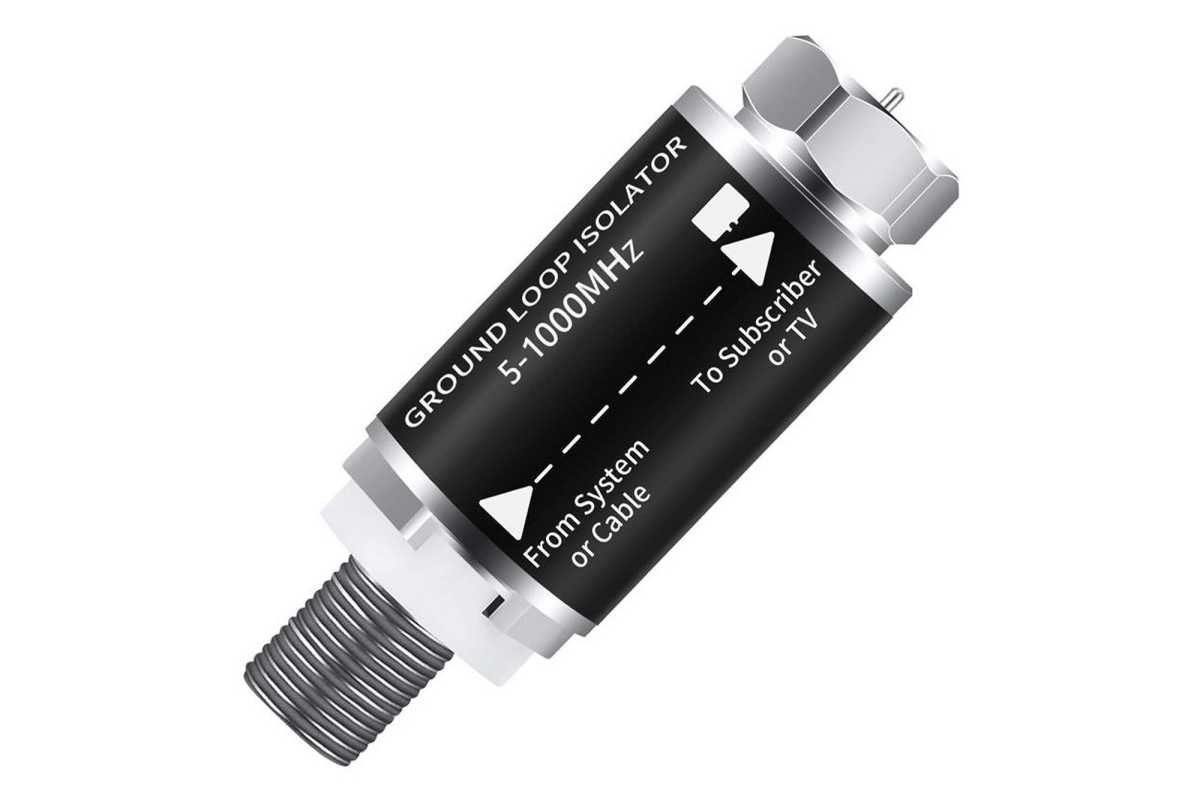
- Hum Eliminators: Devices like the Ebtech Hum X are designed to filter voltage on the ground line safely, effectively breaking the loop without creating the shock hazards associated with "cheater plugs" (two-prong adapters).
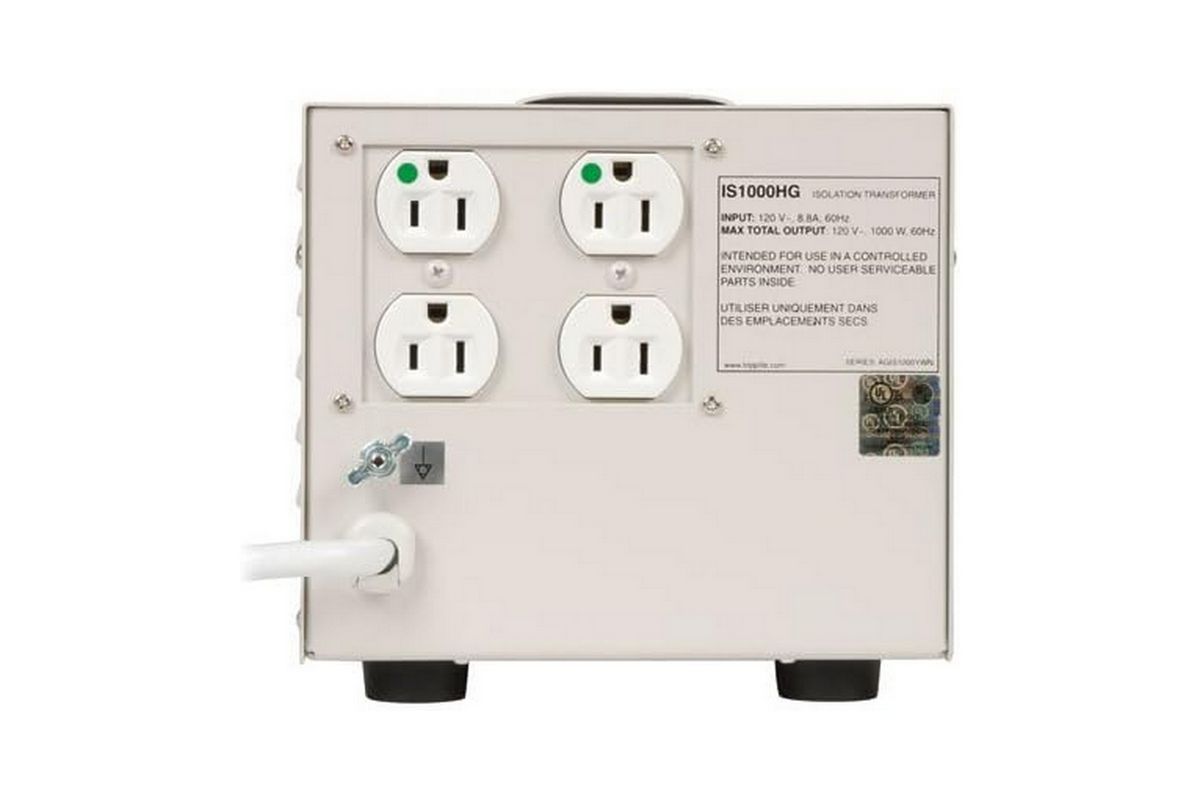
- Isolation Transformers: For serious issues, an isolation transformer (such as the Tripp Lite IS1000HG) is the gold standard. By using electromagnetic induction to transfer power, it physically disconnects your gear from the noisy grid, providing "hospital-grade" clean power.
- Line Interactive UPS: A high-end uninterruptible power supply (like the CyberPower CP1500PFCLCD) acts as a continuous bridge. It converts incoming AC to DC and back to AC, effectively scrubbing the signal of all line-borne noise.
3. Cables and Signal Integrity
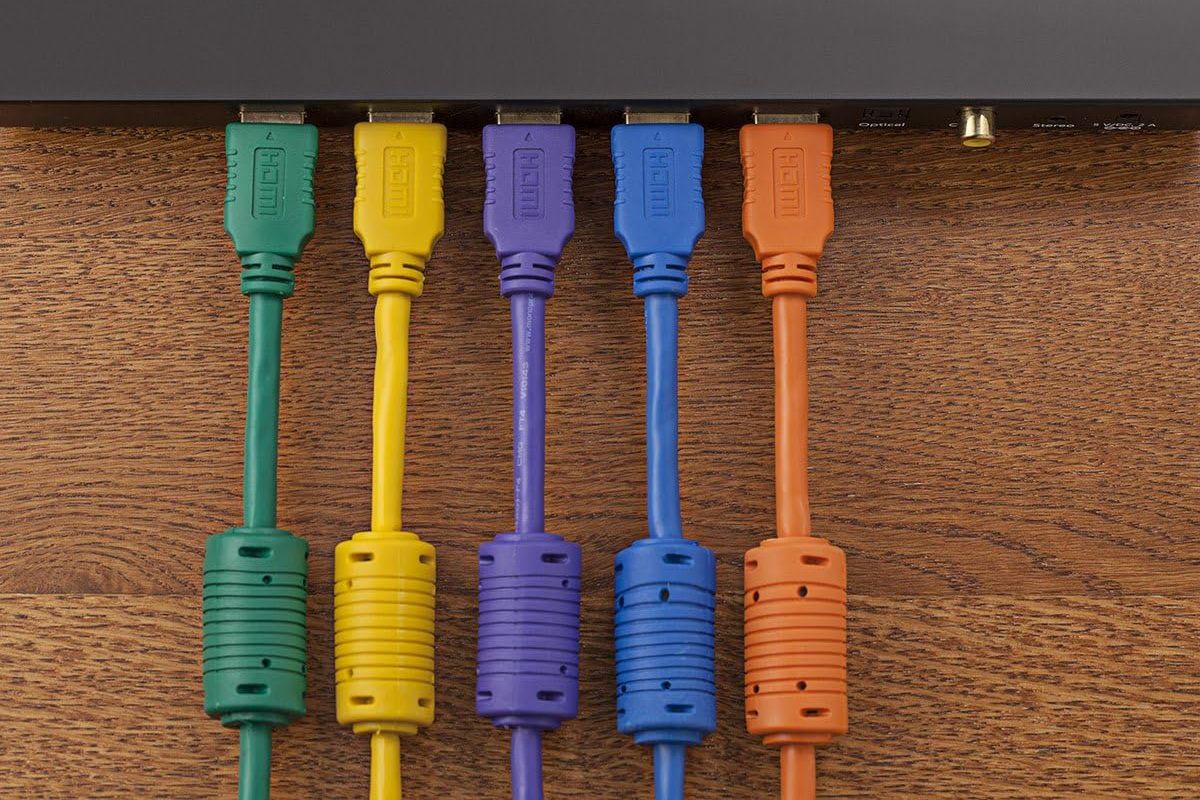
The physical routing of your cables matters. Never run power cords parallel to signal cables. If they must cross, do so at a 90-degree angle to minimize inductive coupling. For those dealing with high-frequency interference, HDMI cables with ferrite beads (those small, cylindrical bulges near the connectors) provide a simple way to filter out high-frequency noise traveling along the cable’s shield.
Official Responses and Industry Standards
In the world of high-end audio, there is often a divide between "audiophile-grade" marketing and genuine electrical engineering. Manufacturers of professional audio equipment, such as Yamaha or studio-grade component makers, emphasize the use of Balanced Connections (XLR or TRS).
Balanced cables use a three-wire design: two signal wires carrying reversed polarity and one ground. This design allows the receiving device to cancel out any noise picked up during transmission. If your hardware supports balanced inputs/outputs, always prioritize them over unbalanced RCA connections. Regarding cable materials, industry experts consistently note that while gold-plated connectors are excellent for preventing oxidation, they do not magically improve sound quality compared to high-quality copper. Do not be swayed by "boutique" marketing claiming that exotic metals or massive, oversized cables will provide a noticeable benefit.
Implications for the Modern Consumer
As our homes become more saturated with smart devices, Wi-Fi routers, and power-hungry appliances, the electrical environment will only become "noisier." The implications for the consumer are clear:
- Prioritize Infrastructure: When planning an entertainment center, treat power distribution as seriously as you treat your speaker selection.
- Adopt External Interfaces: For PC-based audio, moving from an internal motherboard sound card to an external USB or Thunderbolt DAC/interface is almost always necessary to escape the intense RFI environment inside a computer case.
- Maintain Skepticism: Avoid overspending on "miracle" power cables. A $10–$20 well-shielded copper cable is technically sufficient; the real gains come from properly isolating your ground and cleaning your AC power, not from spending hundreds on decorative, snake-oil cabling.
By methodically addressing these potential failure points—starting with the electrical ground, moving to cable management, and finishing with active power filtration—you can silence the interference and reclaim the intended fidelity of your entertainment system. If you encounter a unique noise signature or have developed a custom, effective solution, the community remains the best resource for sharing technical insights and evolving best practices.