There is perhaps no greater frustration for an enthusiast than setting up a new home entertainment system, only to be met with a cacophony of unwanted sounds. Whether it is a low-frequency hum, a persistent high-pitched whine, or an electronic hiss, noise can ruin the immersive experience of high-fidelity audio or cinematic video. Often, these issues remain elusive; they may vanish when you take the gear back to the store, leaving you wondering if you are imagining the problem.
The reality is that your home environment is a complex web of electromagnetic activity. From the power grid to the proximity of your cables, various factors can conspire to introduce "noise" into your signal path. This guide explores the technical causes of these disruptions and provides professional-grade solutions to restore the clarity of your system.

Main Facts: Identifying the Culprits
Noise in A/V systems typically stems from four primary sources: ground loops, AC line contamination, cable interference, and radio frequency interference (RFI).
- Ground Loops: The most common culprit, caused by multiple devices being plugged into different AC outlets, creating a voltage potential difference that travels through signal cables.
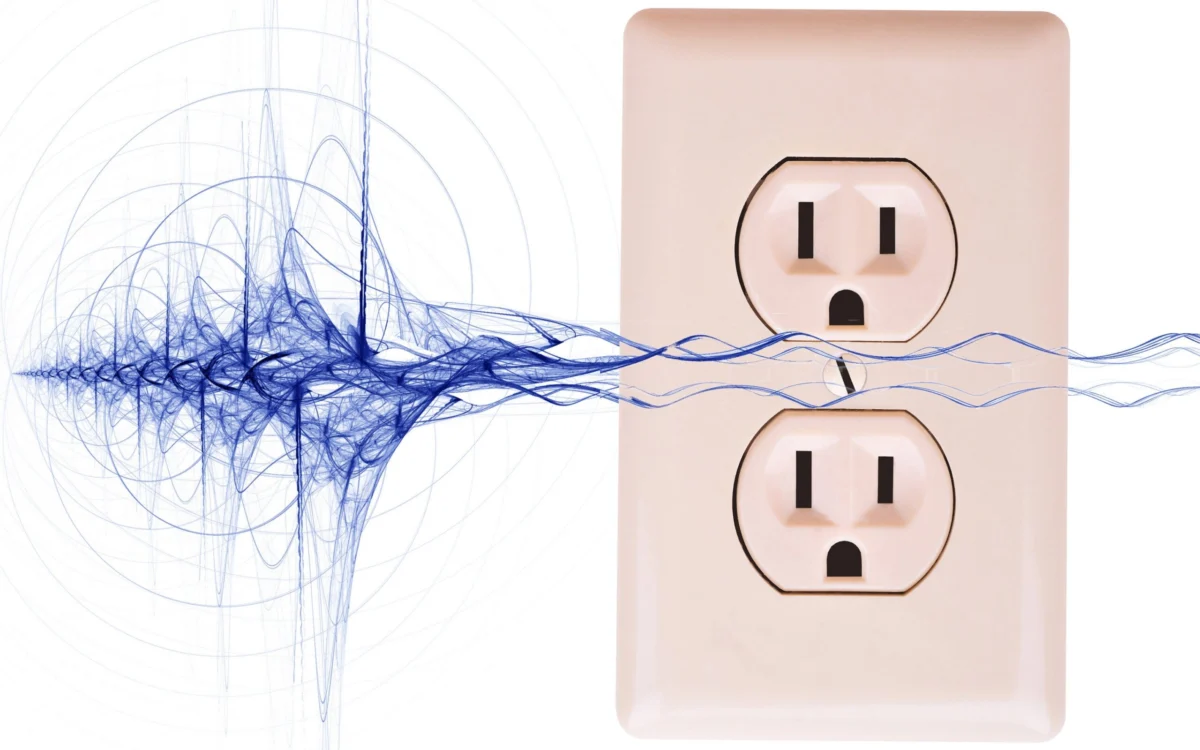
- AC Line Noise: Interference from household appliances (blenders, vacuum cleaners, dimmers) that inject "dirty" electricity into your power lines.
- Cable Interference: Poorly shielded cables or improper cable management where power cords run parallel to signal cables.
- RFI/EMI: Radio frequency and electromagnetic interference emitted by computers, Wi-Fi routers, and mobile devices that penetrate sensitive audio circuits.
Chronology: The Troubleshooting Workflow
When you encounter noise, do not rush to replace your equipment. Follow this systematic approach to identify the root cause:

- The "One-Socket" Rule: Begin by plugging all your interconnected equipment (TV, receiver, powered speakers) into a single high-quality power strip or power center, which then connects to a single wall outlet. This often eliminates ground loops instantly.
- Isolate the Source: Disconnect all external devices from your receiver or TV. Add them back one by one. If the noise begins only when a specific component (like a cable box or PC) is connected, you have found the source.
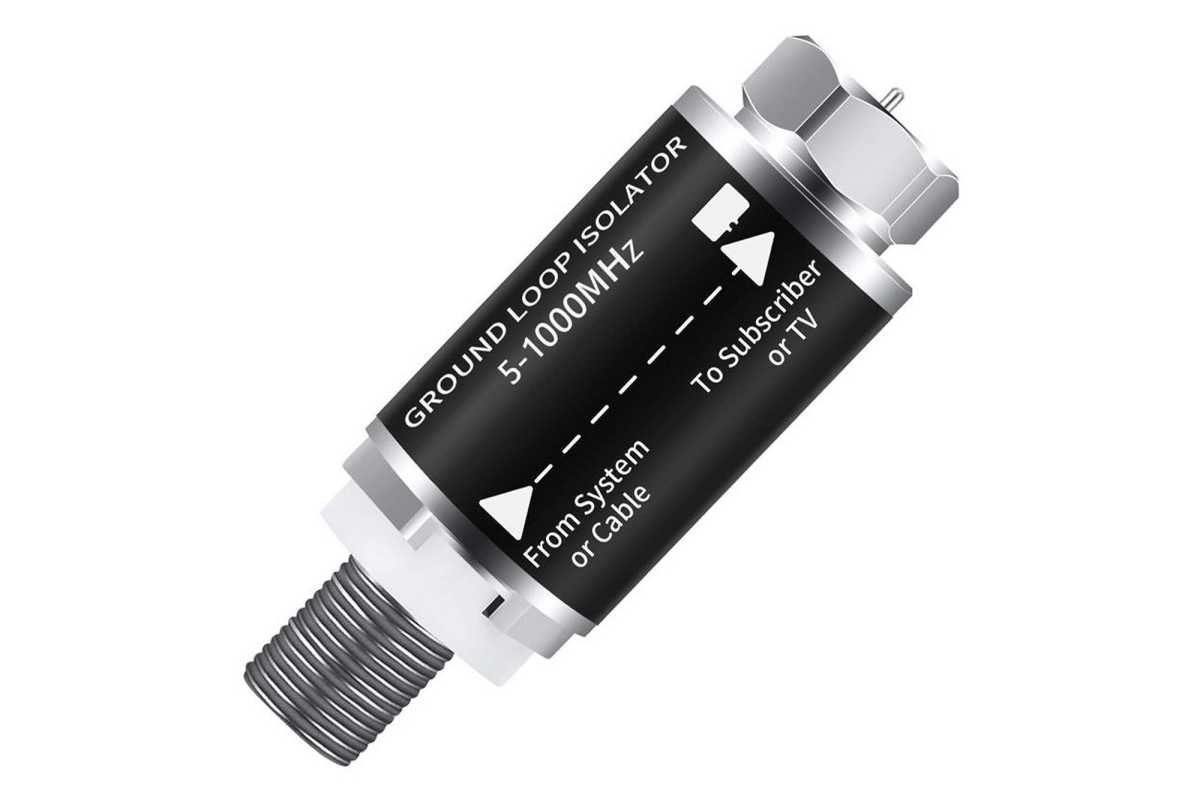
- Check the Coax: If the noise persists, disconnect your coaxial antenna or cable TV line. If the hum disappears, your cable service is likely creating a ground loop, which can be fixed with a simple, inexpensive coaxial ground loop isolator.
- Evaluate Power Stability: If the noise remains even after isolating components, consider the quality of the incoming AC power. Investing in a line-interactive UPS or an isolation transformer can filter out ambient electrical noise.
- Address Cabling: Finally, inspect your physical cable layout. Separate power cables from audio/video signal cables to prevent inductive interference.
Supporting Data: Why "More Expensive" Isn’t Always Better
A common misconception in the audiophile community is that expensive, boutique cables—often featuring exotic metals or extravagant shielding—are the cure for all noise. Data suggests otherwise.
Conductivity and Materials:
Gold-plated connectors are valuable because they resist oxidation, not because they are inherently better conductors than silver or copper. In fact, copper is a superior conductor to gold. For most home theater setups, well-constructed, standard-priced copper cables with gold-plated tips provide perfect performance. Spending hundreds of dollars on a single cable rarely offers a measurable reduction in noise compared to a quality $20 cable.

The Role of Ferrite Beads:
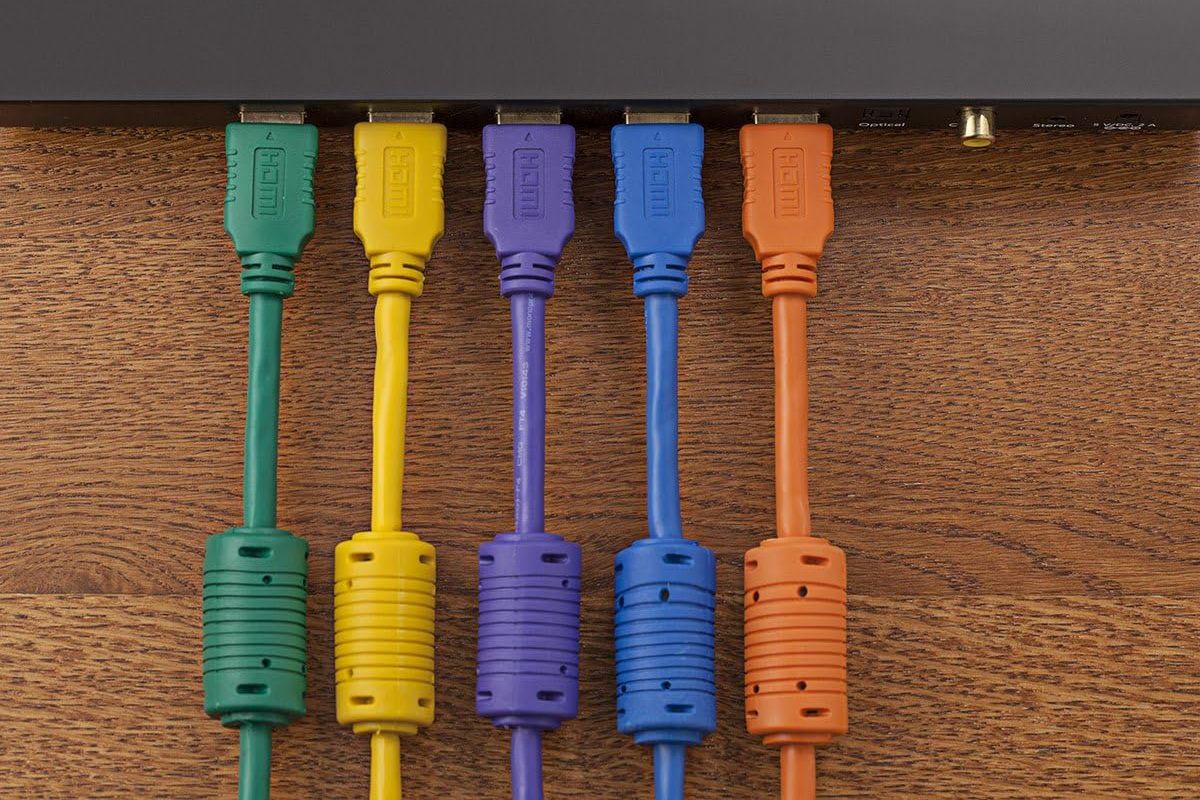
Ferrite beads (the small cylindrical "lumps" found on many cables) are highly effective at suppressing high-frequency RFI. They act as a choke, preventing high-frequency noise from traveling along the cable’s shield. For digital interfaces like USB or HDMI, adding a clip-on ferrite bead is a highly cost-effective ($10–$15) solution for eliminating faint static.
Technical Implications: Protecting Your Gear
While most noise is simply annoying, some forms of electrical interference can indicate a genuine hazard or a sign of failing equipment.

Grounding and Safety
Never attempt to solve a ground loop by using a "cheater plug" (a three-prong to two-prong adapter that lifts the ground pin). This is a significant shock hazard. If a device has a three-prong plug, it is designed to be grounded for a reason. If you cannot reach a single outlet, use a dedicated hum eliminator or an isolation transformer, which safely breaks the loop without compromising electrical safety.
The Power of Isolation
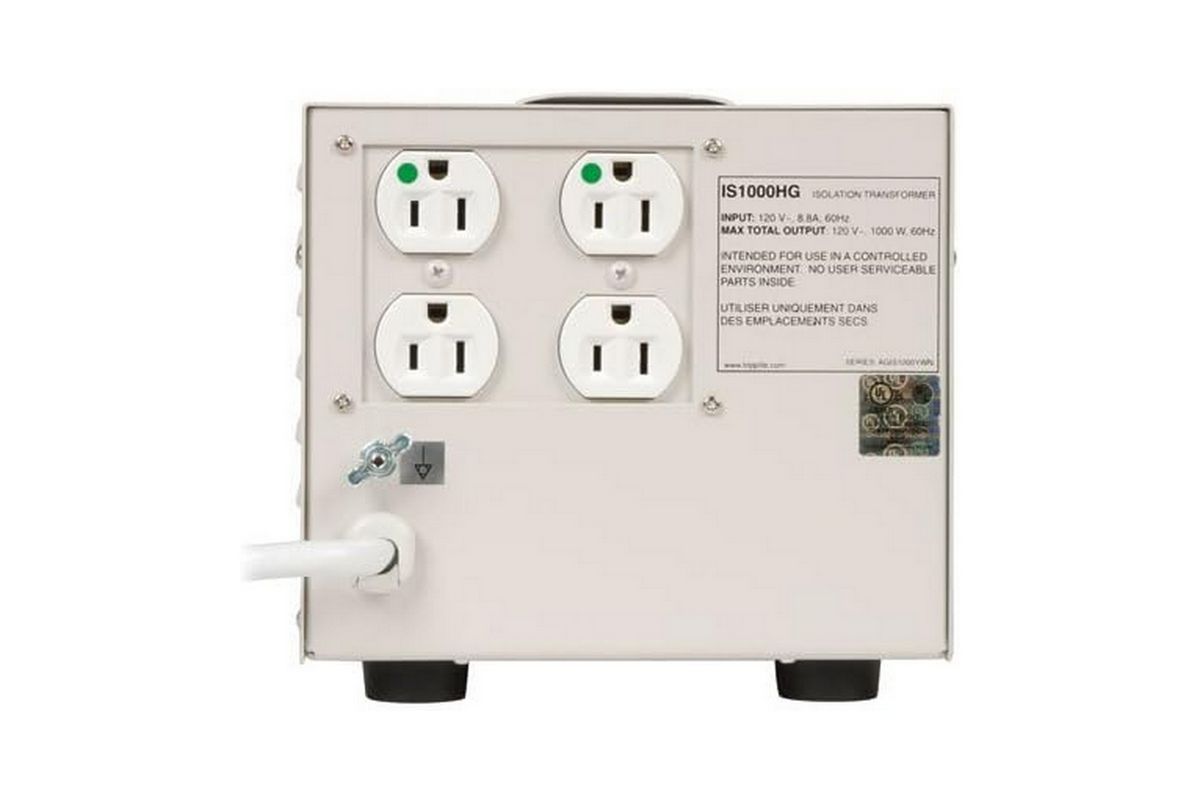
For those in older homes or environments with "dirty" power, an isolation transformer—such as the Tripp Lite IS1000HG—is the gold standard. These devices use magnetic induction to pass the electrical current while physically disconnecting the load from the AC power grid’s ground. This effectively "cleans" the power, making it ideal for sensitive diagnostic or high-end multimedia gear.
Balanced Connections
If your equipment supports it, always prioritize Balanced Audio Cables (XLR or TRS). Unlike standard unbalanced (RCA) cables, balanced cables use two signal wires and a ground. The signal is sent with the polarity reversed on one wire; at the receiving end, the receiver flips the polarity back and combines the signals. Any noise picked up along the way is canceled out by this "common-mode rejection." This is why professional studios almost exclusively use balanced connections for long cable runs.
Professional Insights: A Shift to External Interfaces
For PC-based audio enthusiasts, the internal architecture of a motherboard is a minefield for noise. Motherboards are packed with high-speed digital components that generate massive amounts of electromagnetic interference.
The most professional solution is to move audio processing outside the computer chassis. Using an external USB or Thunderbolt audio interface moves the Digital-to-Analog Converter (DAC) away from the noisy internal environment of the PC. If you still experience faint static with an external interface, you can employ a "ground shunt"—a simple wire running from the interface’s chassis to the computer’s case—to provide a lower-resistance path for spurious currents.
Conclusion: The Joy of Clean Audio
Achieving a silent noise floor is not a matter of luck; it is a matter of understanding the physics of your system. By ensuring a unified ground, separating signal from power, and employing smart filtering solutions like ferrite beads or isolation transformers, you can eliminate the vast majority of electrical disturbances.
Remember: the goal of any A/V system is to transparently deliver the creator’s intent to your ears and eyes. When you remove the buzz, the hiss, and the whine, you aren’t just fixing a problem—you are revealing the detail and depth that were there all along, waiting to be heard. If you have encountered a unique noise issue or discovered a clever "home-brew" fix, continue the conversation by reaching out to our editorial team; your experience may help others find their way to a cleaner, more enjoyable soundscape.