There is nothing quite as jarring as the moment you finalize your home theater setup, only to be met with a persistent, low-frequency hum emanating from your speakers or ghostly, scrolling lines dancing across your high-definition display. You have invested hours in cable management and calibration, yet the "noise floor"—that unwanted auditory and visual interference—persists. Often, the frustration peaks when you bring the gear back to the store, only for it to function perfectly in the showroom.
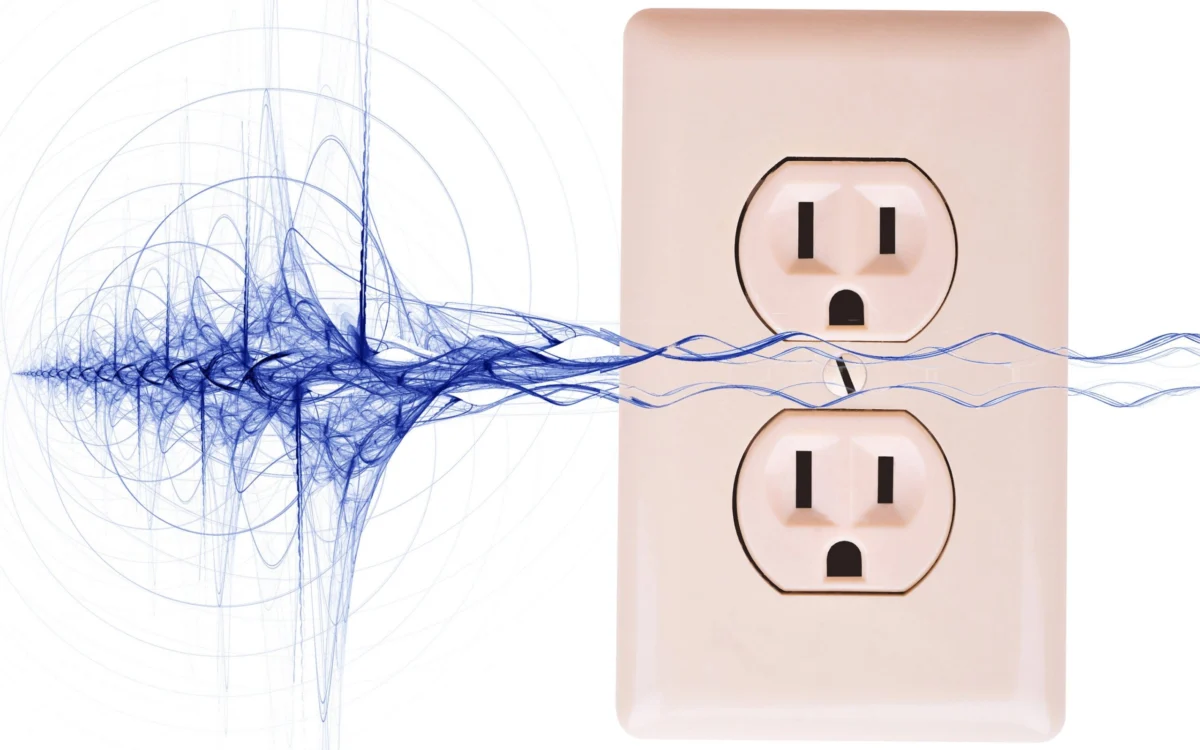
The issue is rarely a defect in your hardware. Instead, you are likely battling the invisible complexities of your home’s electrical environment. Whether it is a ground loop, electromagnetic interference (EMI), or radio frequency interference (RFI), these phenomena are common, solvable, and often misunderstood.

The Anatomy of Electrical Noise: Main Facts
Electrical noise in consumer electronics manifests in several ways: audible hums, high-pitched whines, hisses, or visible video artifacts like banding. These disturbances are almost always external to the devices themselves.
At its core, your home theater is a system of interconnected components. When these components communicate through signal cables—such as HDMI, RCA, or component video—they share a common electrical ground. If these components are plugged into different AC outlets, the potential difference between those outlets can create a "ground loop." This loop acts as a massive antenna, drawing in noise from the surrounding environment and pumping it directly into your audio and video signal paths.

Identifying the Culprit
Before purchasing expensive "audiophile-grade" power conditioners, it is vital to diagnose the source.
- Ground Loops: Usually identified by a consistent 60Hz hum (in North America) through speakers or rolling bars on a display.
- AC Line Noise: Caused by devices with motors (blenders, vacuum cleaners) or dimmers, which inject "dirty" power into your home’s circuitry.
- Cable Interference: Caused by signal cables running parallel to high-voltage power cords, inducing current through electromagnetic induction.
A Chronology of Troubleshooting: Step-by-Step Resolution
If you are experiencing unexplained noise, follow this logical progression to isolate and eliminate the source.

1. The Single-Outlet Strategy
The most effective way to eliminate a ground loop is to ensure all interconnected equipment is powered from a single AC source. By plugging your TV, receiver, media player, and powered subwoofers into a single high-quality surge protector or power distribution block, you force all devices to share the same ground reference, effectively breaking the loop.
2. Isolate the Signal Path
If the noise persists, perform a process of elimination. Disconnect every input from your television or receiver. If the noise disappears, re-introduce your devices one by one. Often, you will find that a specific device—such as a cable box or a game console—is the origin of the interference.

3. Addressing Coaxial and Antenna Connections
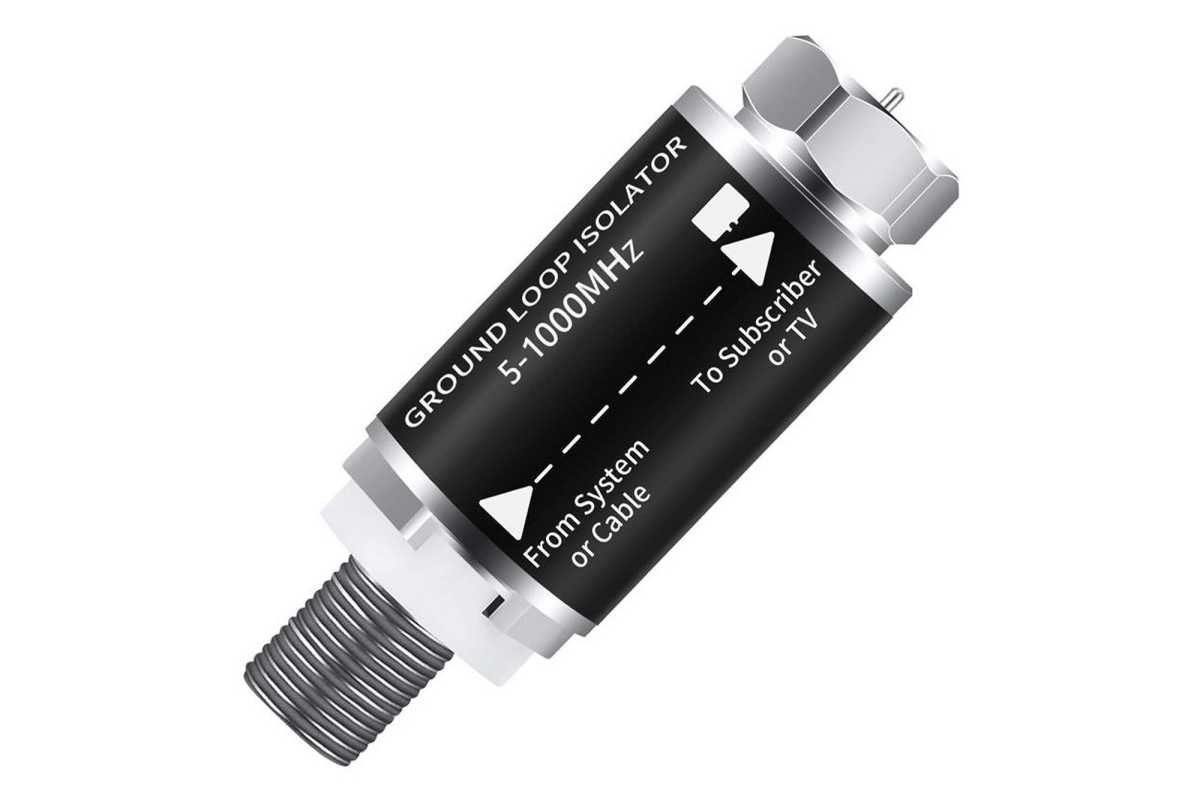
Cable television and over-the-air antennas are notorious for introducing ground loops. Because these systems are often grounded to the home’s main service panel via a different path than your AC outlets, they create a perfect storm for noise. A simple $15 coaxial ground loop isolator can bridge this gap and kill the interference instantly.
Supporting Data and Technical Solutions
When basic troubleshooting fails, you must look toward active or passive filtering solutions.
Line-Interactive UPS and Isolation Transformers
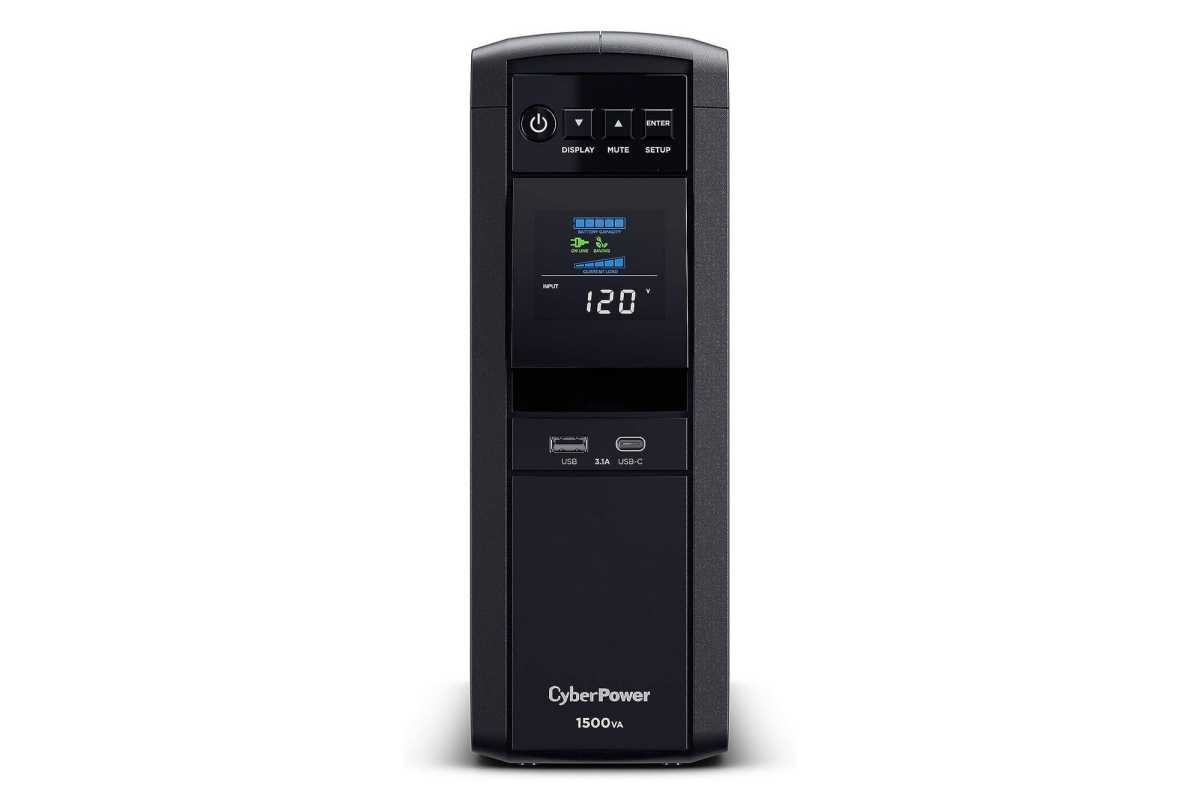
For users with "dirty" power—common in older buildings or areas with heavy industrial power draw—a standard surge protector is insufficient. A Line-Interactive Uninterruptible Power Supply (UPS), such as the CyberPower CP1500PFCLCD, is a potent solution. By constantly converting AC power to DC and then back to a pure sine-wave AC, these units strip away the noise before it ever reaches your sensitive gear.
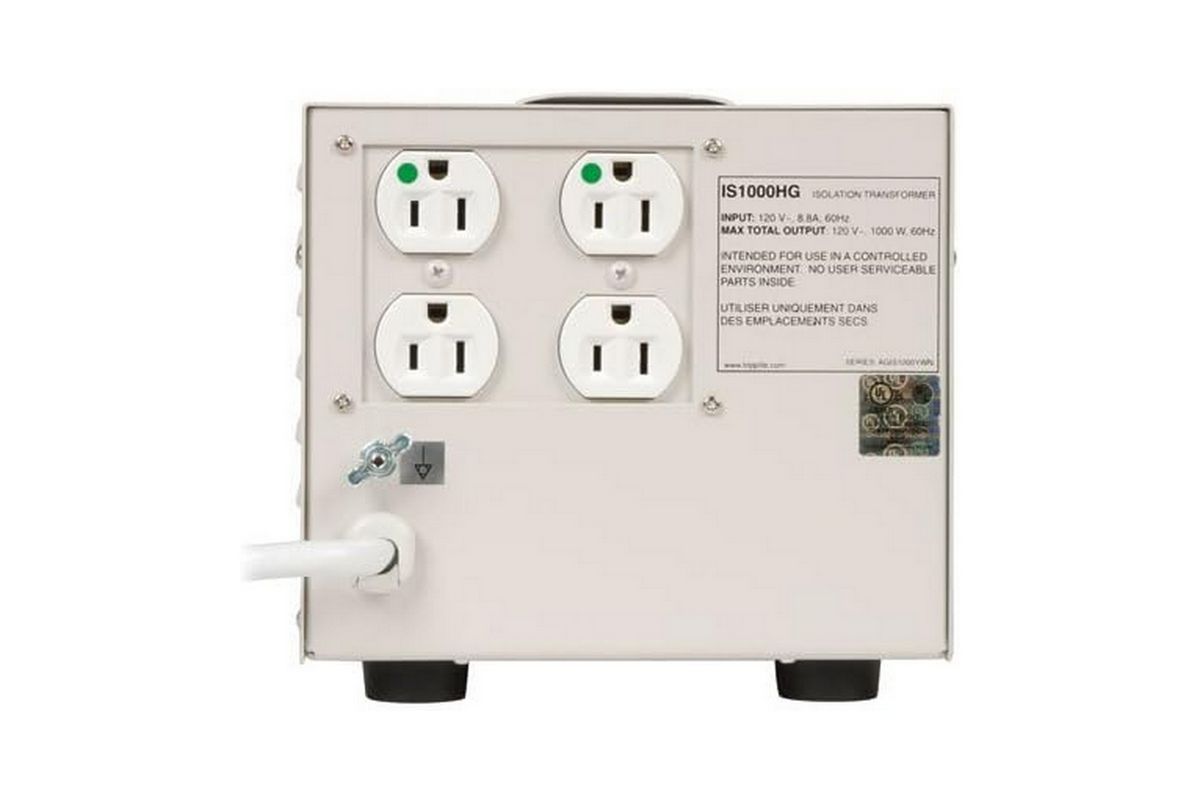
For those requiring the highest level of isolation, a hospital-grade isolation transformer like the Tripp Lite IS1000HG is the "big gun." By using electromagnetic induction to pass power through a shielded transformer, it physically separates your equipment from the grid’s noisy ground, providing pristine power suitable for even the most sensitive medical diagnostics.
The Power of Ferrite Beads
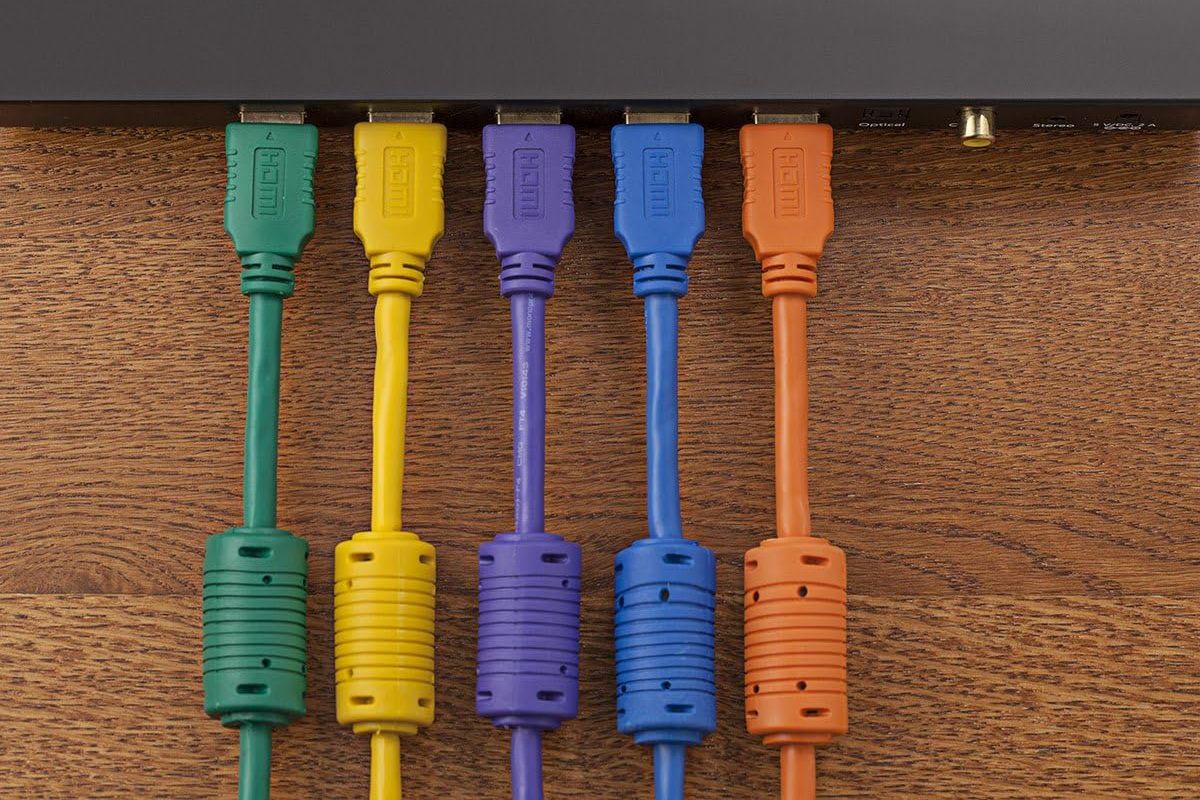
Often overlooked, the ferrite bead—the small, cylindrical bulge found on many high-quality HDMI or USB cables—is a simple, elegant piece of engineering. It acts as a passive low-pass filter, blocking high-frequency RFI and EMI from traveling along the cable’s shield. If you have cables without them, clip-on ferrite chokes are an inexpensive, highly effective aftermarket upgrade.
Official Perspectives and Best Practices
Industry engineers and acoustic designers emphasize that while high-end cables are often marketed as a "cure-all," the physics of signal transmission relies more on shielding and geometry than on exotic materials.
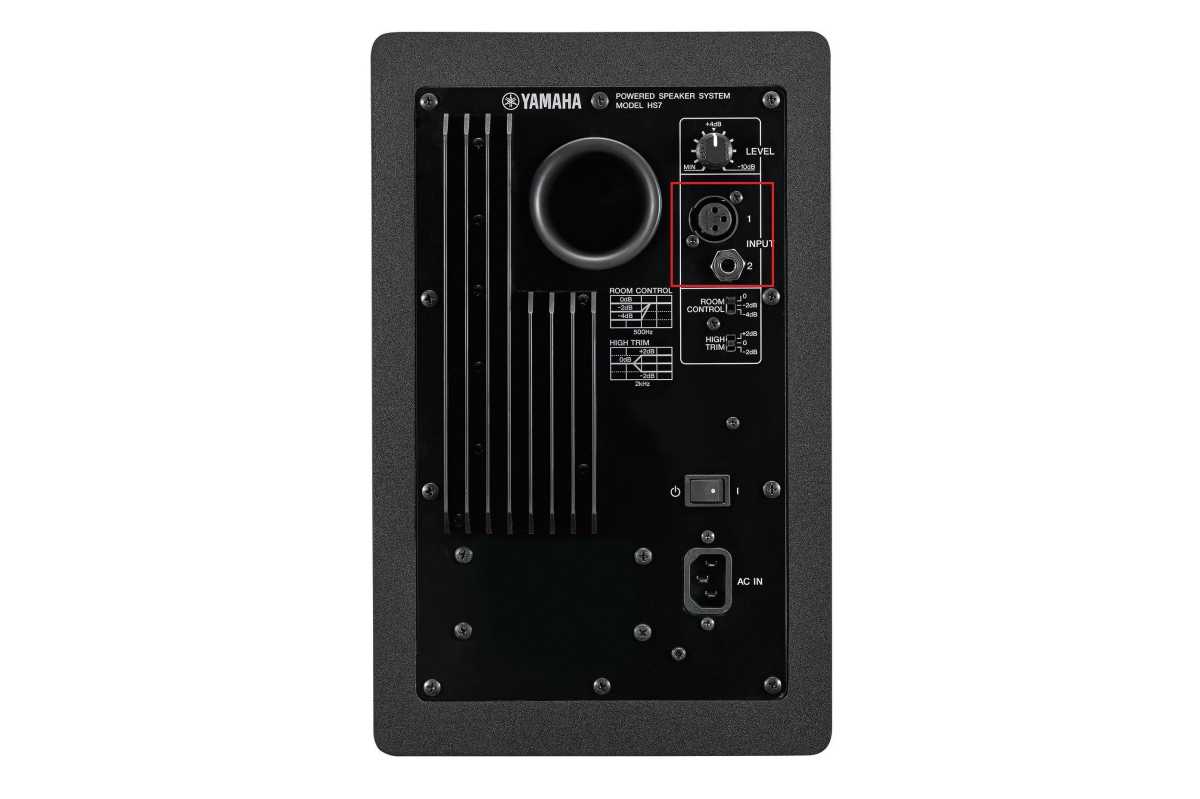
- Balanced vs. Unbalanced: Whenever possible, utilize balanced audio connections (XLR or TRS). Balanced cables use two signal wires with reversed polarity and a separate ground, allowing the receiving device to cancel out any induced noise common to both wires.
- The Myth of "Boutique" Cables: Do not be swayed by marketing claims of "oxygen-free copper" or gold-plated connectors improving sound quality beyond the basic necessity of preventing oxidation. A well-shielded, $10 cable is almost always indistinguishable from a $200 version in a standard home environment.
Implications for Your Home Theater Experience
The quest for a "black" background in your audio and video experience is more than just an aesthetic or audiophile obsession; it is about fidelity. Noise, even at inaudible levels, can create intermodulation distortion that muddies the soundstage, while video noise reduces the perceived contrast and sharpness of your display.
The "Joyful Noise" Philosophy
Ultimately, the goal of your system is to reproduce the "joyful noise" of your favorite music or film. By understanding the physics of your home’s electrical system, you can transform a frustrating setup process into an educational journey.
If you find yourself still struggling with a particularly stubborn noise, consider the "shunt" method: if you are using a USB-based audio interface, running a dedicated ground wire from the interface’s chassis to your computer’s chassis can provide a path of least resistance for stray current, bypassing the sensitive data cables entirely.
By systematically applying these methods—from basic outlet management to the use of advanced isolation transformers—you can ensure that the only sounds you hear are the ones intended by the artists, and the only images you see are those intended by the director.
Summary Checklist for Noise Elimination:
- Centralize: Power all components from one outlet.
- Isolate: Use coaxial isolators for cable/antenna lines.
- Filter: Add ferrite beads to HDMI and USB cables.
- Cleanse: Use a pure sine-wave UPS or isolation transformer for "dirty" power.
- Shield: Use balanced cables (XLR/TRS) wherever inputs allow.
- Separate: Keep power cables away from signal cables to prevent induction.