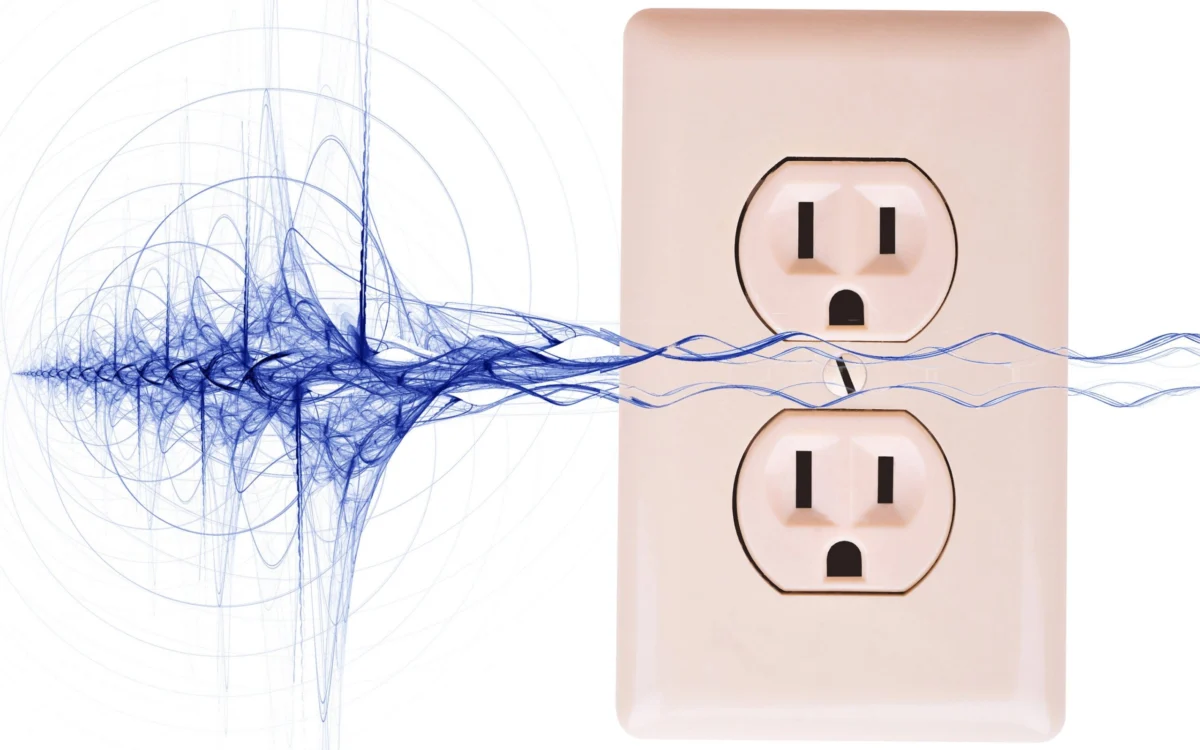
There is nothing more frustrating for an enthusiast than the anticipation of a new home theater setup, only to be met with an uninvited symphony of hum, buzz, hiss, and visual artifacts. You unbox your high-end receiver, connect your speakers and display, and suddenly, your living room is filled with a low-frequency drone or your TV screen is marred by scrolling horizontal bands. Perhaps most maddening is the "store test" phenomenon: you haul your equipment back to the retailer, only to watch the salesperson plug it into their pristine, dedicated power grid, where everything performs flawlessly.
The culprit isn’t necessarily your gear; it is your environment. From ground loops and radio frequency interference (RFI) to dirty AC power and poorly shielded cables, electrical noise is a pervasive issue in the modern home. Fortunately, once you identify the source, most of these problems can be resolved with simple, targeted solutions.

Main Facts: The Anatomy of Electrical Interference
Electrical noise in consumer electronics typically manifests in two ways: audible artifacts (hum, whine, chatter) and visual artifacts (banding, waves, or flickering on a display). These issues are rarely caused by a single, catastrophic failure. Instead, they are usually the result of "noise floor" elevation caused by external environmental factors or grounding inconsistencies.
The most common culprit is the ground loop. This occurs when multiple devices in a system are connected to different AC outlets, creating a potential difference between the ground points. When these devices are connected via signal cables (like HDMI, RCA, or coaxial lines), the signal shield acts as a return path for that current, effectively creating a giant antenna that draws in electromagnetic interference.

Beyond ground loops, your home environment is filled with "dirty" electricity. Household appliances with motors—such as hair dryers, blenders, and vacuum cleaners—along with dimmer switches and aging fluorescent lighting, inject noise back into your home’s wiring. If your equipment lacks robust internal filtering, this noise can manifest as interference in your audio and video signals.
Chronology of Diagnosis: How to Isolate the Problem
When troubleshooting, it is best to follow a systematic, chronological approach to eliminate variables:

- Simplify the Signal Chain: Disconnect all peripheral devices, including cable boxes, gaming consoles, and network streamers. Start with the bare minimum—a single source connected to an amplifier or display. If the noise disappears, reintroduce devices one by one until the noise returns. The last device you plugged in is likely the source of the interference.
- Verify Power Distribution: Ensure that all components of your home theater system are plugged into the same power strip or power center. By using a single source of AC power, you eliminate the potential for different ground potentials across different outlets.
- Inspect the Signal Wires: If you are using coaxial cables (for cable TV or antennas), disconnect them entirely. If the noise stops, you have identified a ground loop stemming from the cable provider’s line.
- Test for RFI: Relocate routers, cell phones, and computers away from your audio equipment. If the noise correlates with the proximity of these devices, you are dealing with RFI.
Supporting Data and Technical Solutions
Addressing these issues does not always require a massive investment. Often, the solution is a $10 fix, though specialized scenarios may require more robust hardware.
The Ground Loop Isolator
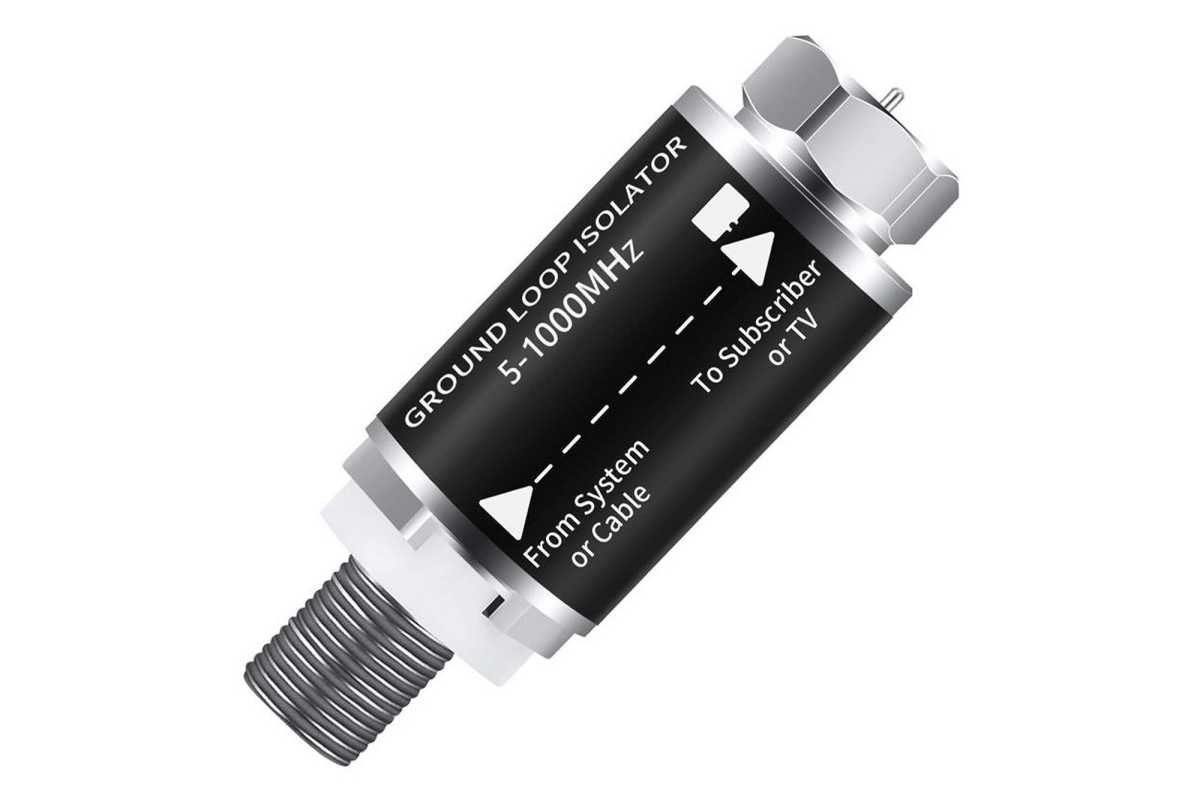
For systems plagued by hum, a ground loop isolator is the standard first line of defense. These devices interrupt the electrical path between the cable shield and the ground, effectively breaking the loop. For coaxial lines, inexpensive isolators (often under $20) can resolve visual and audible noise instantly.

AC Line Conditioners and UPS Systems
If your home’s power quality is poor, you may need to "clean" the AC signal. A line-interactive Uninterruptible Power Supply (UPS), such as the CyberPower CP1500PFCLCD, is a highly effective solution. Because these units convert incoming AC to DC and back to AC, they act as a "buffer" that strips away power line noise and provides a stable, pure sine wave output.
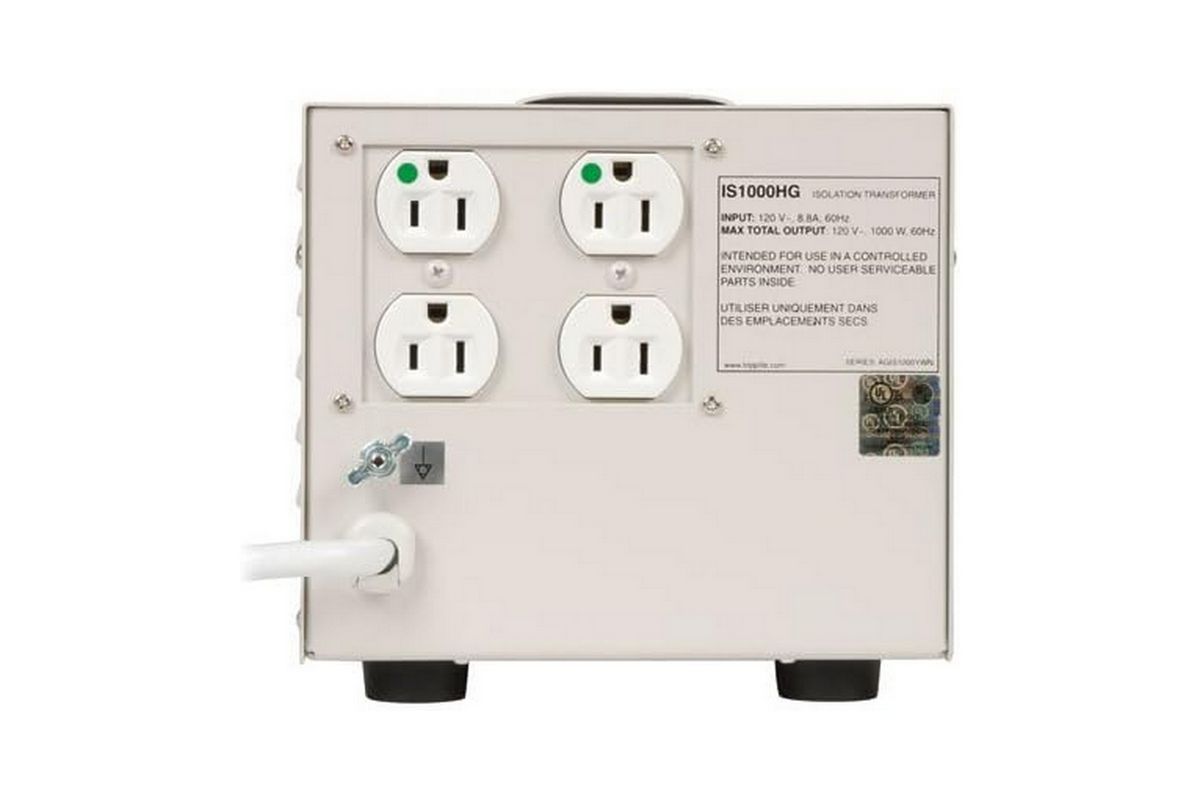
For those requiring absolute purity, isolation transformers—such as the Tripp Lite IS1000HG—are the "big guns." Often used in medical and laboratory settings, these devices use electromagnetic induction to pass power through a shielded transformer, physically isolating your gear from the main AC grid.
The Role of Shielding and Ferrite Beads
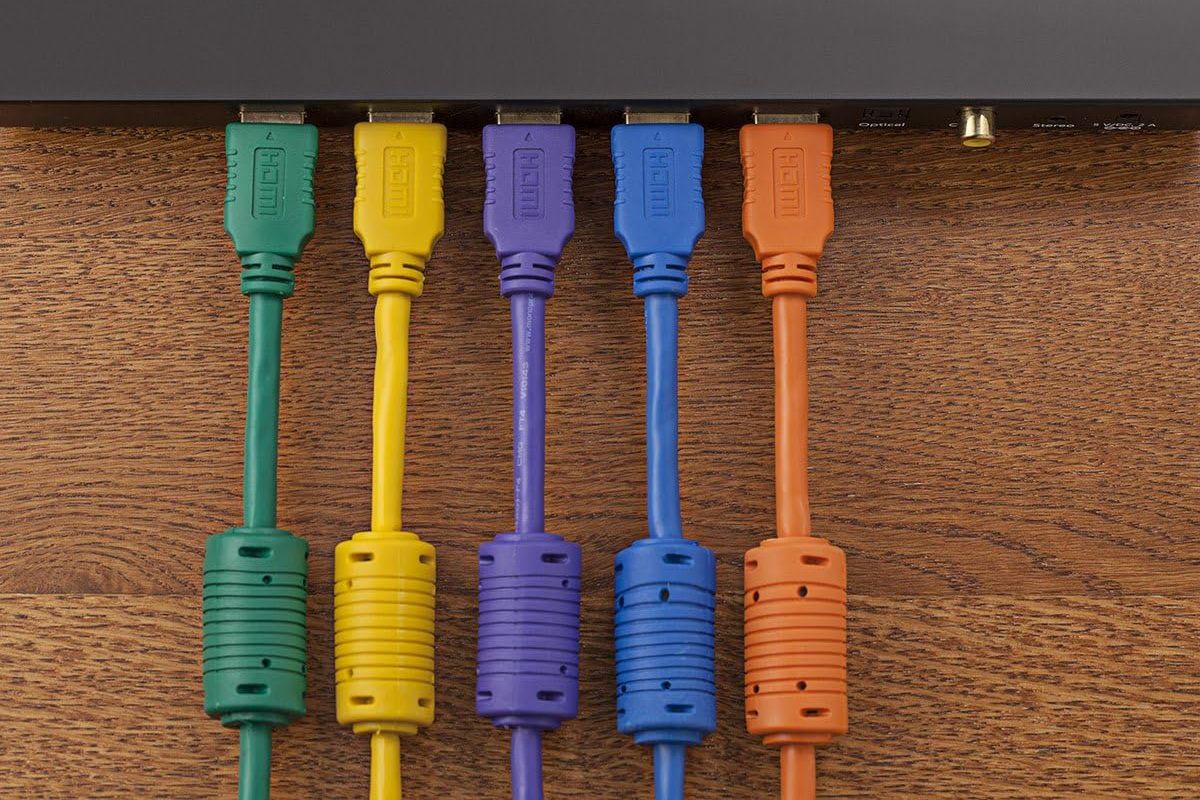
Never route power cables alongside audio or video signal cables. If you must cross them, do so at a 90-degree angle. If interference persists, adding ferrite beads—the small, cylindrical iron slugs often found on power bricks—to your USB or HDMI cables can help filter out high-frequency noise traveling through the cable’s shielding.
Official Perspectives: Industry Standards vs. Audiophile Marketing
It is important to distinguish between legitimate engineering solutions and the high-end audio industry’s "snake oil." You will often see power cables or interconnects retailing for thousands of dollars, marketed with claims of "superior conductivity."
From an engineering standpoint, the reality is more grounded. Gold-plated connectors are valuable solely because they resist oxidation, not because gold is the world’s best conductor (it is actually outperformed by copper and silver). High-quality copper wire with gold-plated connectors is the gold standard for performance. Paying for "boutique" cables rarely yields audible improvements. The focus should always remain on proper shielding, balanced signal paths (using XLR or TRS cables when possible), and robust physical construction.
Implications for Future-Proofing Your System
The shift toward digital interfaces like HDMI and USB has not made us immune to noise; it has simply changed the nature of the interference. Digital signals are less prone to subtle "hiss," but they are highly sensitive to timing jitter and packet loss caused by electrical noise.
As you upgrade your home entertainment system, keep the following "Golden Rules" in mind:
- Balance where possible: If your equipment supports balanced inputs/outputs (XLR or TRS), use them. The common-mode rejection inherent in balanced cables is the most effective way to eliminate induced noise.
- Externalize sensitive components: Internal PC audio cards are notoriously noisy because they share a ground and a power plane with the motherboard’s high-frequency components. Moving to an external USB or Thunderbolt DAC (Digital-to-Analog Converter) effectively isolates the audio signal from the computer’s internal electrical chaos.
- Avoid "Microphonic" Cables: In high-gain applications like turntables, ensure your cables are not microphonic—that is, they should not turn vibrations into sound. A quick "tap test" on your cables while the volume is up will reveal if they are poorly shielded.
By understanding these principles, you can stop fighting with your equipment and return to what truly matters: enjoying the media you love without the unwanted accompaniment of an electrical buzz. If you find yourself facing a unique noise issue, remember that the goal is always to find the path of least resistance for that stray current—and to make sure that path doesn’t lead through your speakers.