You have just invested in a high-end home theater system. You’ve unboxed the receiver, carefully routed the cables, and positioned the speakers for the perfect soundstage. But the moment you power it on, your euphoria is replaced by a persistent, maddening buzz, a low-frequency hum, or a faint, digital hiss. Perhaps you notice scrolling waves or banding patterns marring your 4K display. You pack everything up to return it, only to find that the store’s test bench—powered by a different circuit—delivers pristine performance.
You aren’t dealing with defective hardware; you are dealing with the invisible, often chaotic world of electrical interference. Whether it’s a ground loop, radio frequency interference (RFI), or dirty AC power, these issues are common, frustrating, and, fortunately, solvable.

Main Facts: The Anatomy of Interference
Electrical noise in A/V systems typically stems from four primary culprits: ground loops, AC line noise, cable mismanagement, and radio frequency interference.
A ground loop occurs when two or more components in your system are connected to different AC outlets, creating a path for electrical current to travel through the shielding of your signal cables. This loop acts like an antenna, picking up electromagnetic induction and converting it into that tell-tale 60Hz hum.

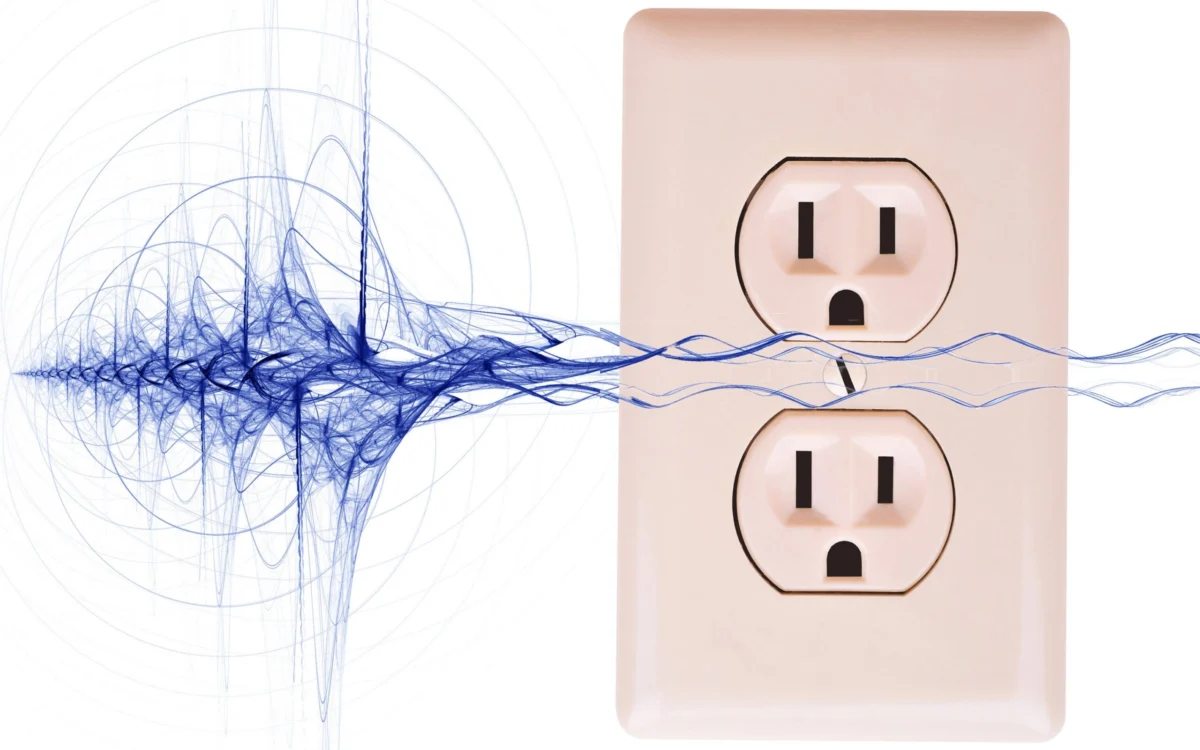
AC line noise is the result of "dirty" electricity. Household appliances with motors—like refrigerators, blenders, and hair dryers—as well as dimmer switches, inject high-frequency noise back into your home’s electrical wiring.
Cable interference arises from proximity. When power cords run parallel to sensitive audio/video signal cables, the electromagnetic field from the power line can "leak" into the signal path. Finally, RFI is caused by external signals—Wi-Fi routers, smartphones, and computers—bombarding your equipment and inducing noise in unshielded or poorly grounded components.

Chronology: The Evolution of the "Noise" Problem
The prevalence of electronic noise has shifted alongside the evolution of consumer technology. In the era of analog vacuum-tube equipment, hum was often attributed to aging capacitors or poor grounding. However, as home theaters became more complex, the number of interconnected devices—each requiring power and signal links—increased the risk of ground loops exponentially.
In the early 2000s, the transition to HDMI and digital audio interfaces introduced new variables. While digital signals are generally more robust than analog, the complex shielding requirements of high-bandwidth HDMI cables made them susceptible to noise if the grounding path was compromised. Today, with the proliferation of smart home devices, high-wattage LED lighting, and powerful PCs, the environment in the average living room is significantly noisier than it was two decades ago. The modern A/V enthusiast must now contend not just with audio hum, but with complex digital artifacts that can disrupt both sound and picture quality.

Supporting Data: Why "More Expensive" Isn’t Always Better
A common misconception among audiophiles is that high-end, "boutique" cables or gold-plated connectors are a silver bullet for noise. The data suggests otherwise. Conductivity is a physical constant; while gold is excellent for preventing oxidation, silver and copper are actually superior conductors. Spending hundreds of dollars on "exotic" cables rarely addresses the root cause of noise, which is almost always environmental or structural.
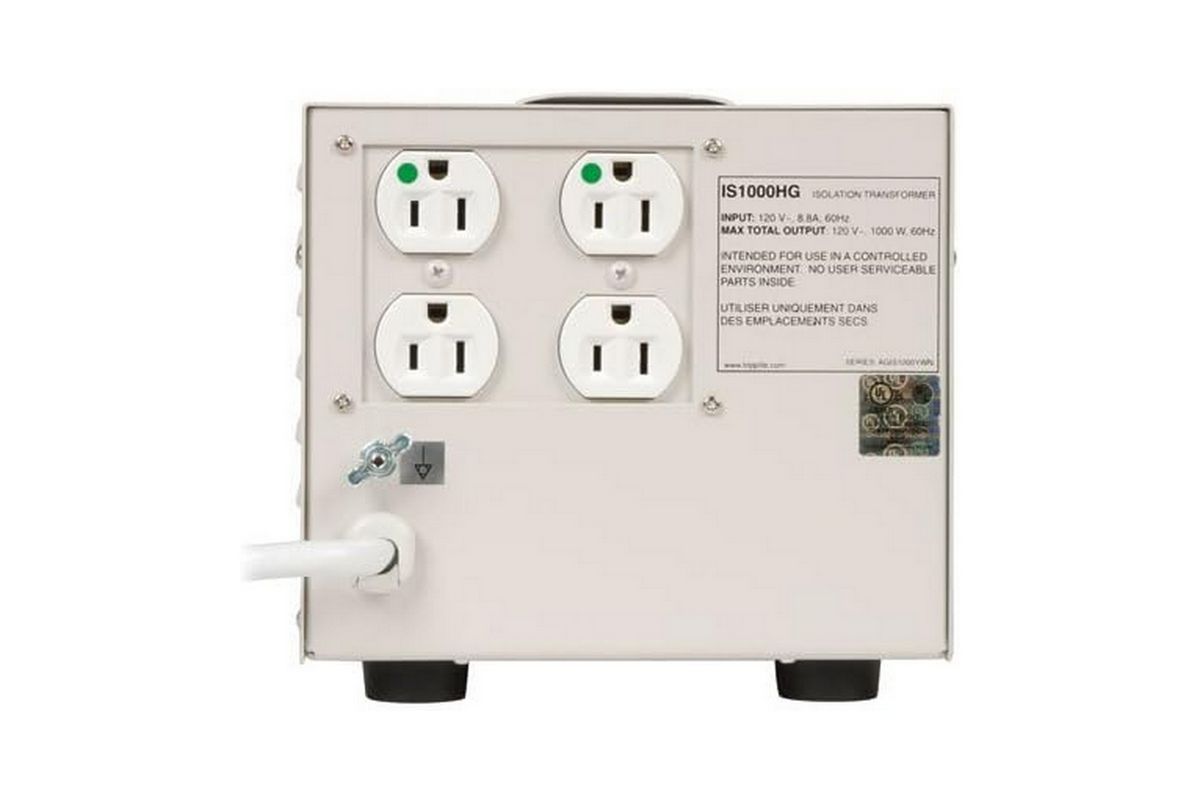
Instead, scientific solutions focus on electrical isolation. A line-interactive Uninterruptible Power Supply (UPS) or an isolation transformer is far more effective at cleaning up signal paths than expensive cabling. For instance, a $500 hospital-grade isolation transformer, such as the Tripp Lite IS1000HG, uses a physical, shielded transformer to induce power from one coil to another. Because the circuits are physically separated, the "dirty" noise from the wall cannot bridge the gap to your equipment.
Cost-Effective Mitigation Strategies
- The Single-Socket Rule ($0): The most effective, zero-cost fix is to consolidate all power connections for your audio/video chain onto a single surge-protected power strip. This breaks the potential for a ground loop by ensuring all components share the same ground potential.
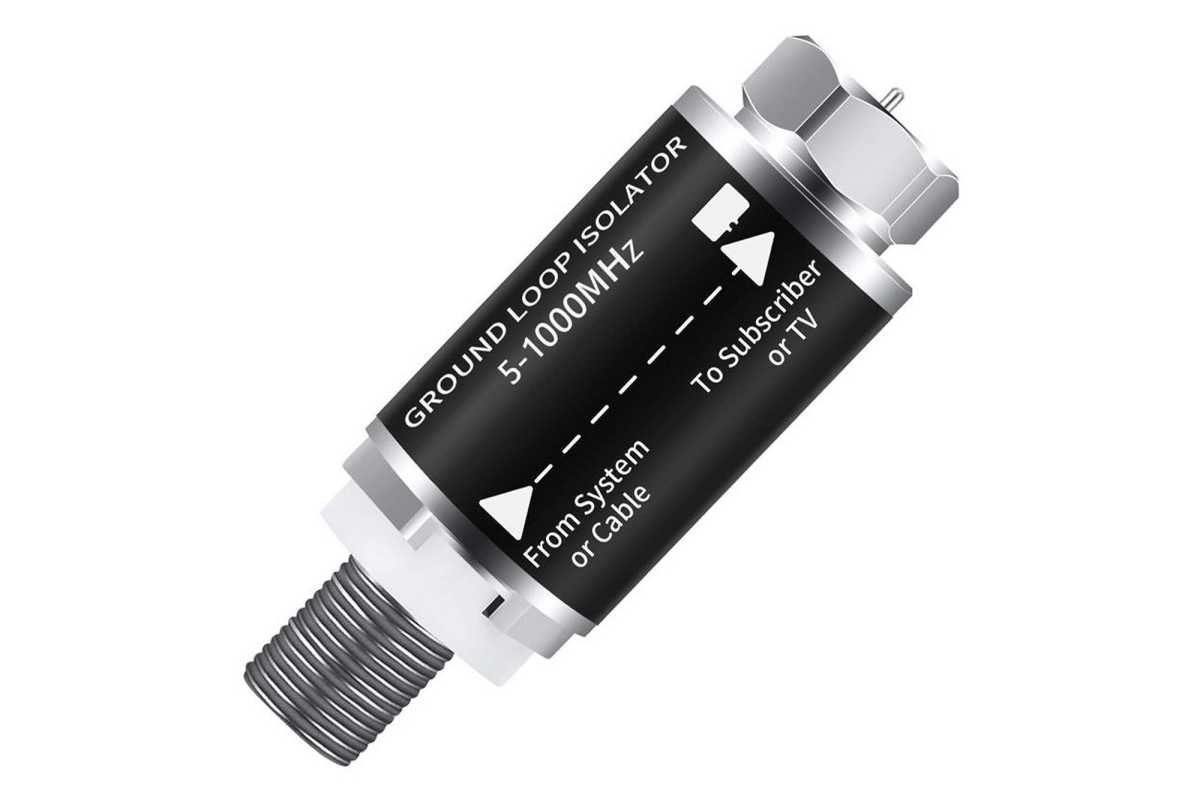
- Ground Loop Isolators ($10–$20): For coax-based cable or antenna systems, a simple inline isolator breaks the ground path, preventing the "hum" often associated with cable TV connections.
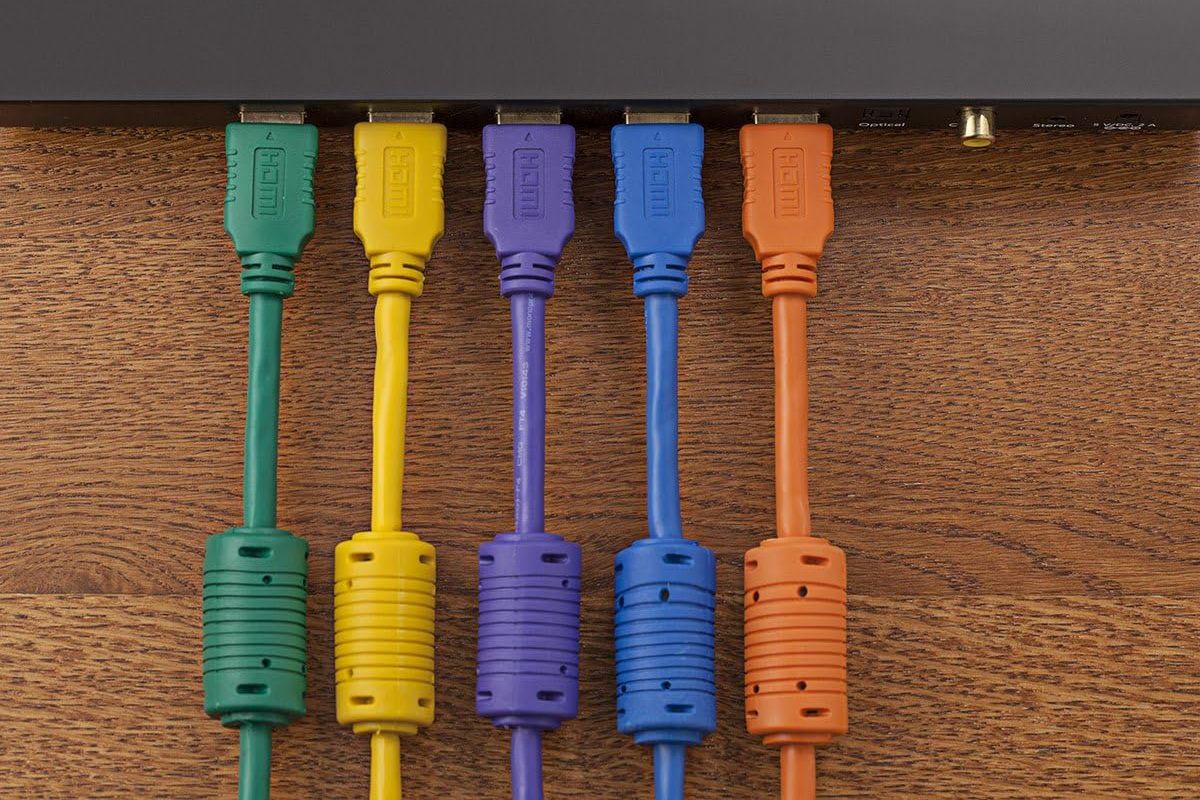
- Ferrite Beads ($10 for a pack): These magnetic slugs can be clamped onto HDMI, USB, or power cables to choke out high-frequency noise. They are highly effective for digital jitter and static.
- Balanced Cabling (Variable): If your hardware supports XLR or TRS (balanced) connections, use them. The three-wire design cancels out noise induced by external electromagnetic fields, making it the industry standard for professional studios.
Implications: When to Call in the "Big Guns"
While DIY solutions solve 90% of noise issues, some environments demand professional-grade intervention. If you are experiencing noise that persists after ensuring a common ground and upgrading your cables, the issue may be deep within your home’s electrical wiring—specifically, a lack of a proper earth ground or faulty neutral wiring.
In such cases, the implication is not just poor audio quality, but potential safety hazards. If you feel a "tingle" or receive a shock when touching your equipment or a cable splitter, this is a red flag indicating a serious electrical fault. Do not attempt to "lift" the ground by using a three-to-two-prong adapter; this is a dangerous practice that removes the safety path for short circuits. In these scenarios, consulting a licensed electrician to inspect your home’s grounding system is the only responsible course of action.
Furthermore, if your setup includes a high-performance PC used as an audio source, consider the move to external hardware. Internal motherboard audio is notoriously susceptible to "computer noise"—the faint whirring or static heard when the GPU is under load or the CPU is processing. External USB or Thunderbolt audio interfaces move the sensitive digital-to-analog conversion process outside the noisy, interference-prone environment of the PC case, providing a cleaner, more accurate sound.
Conclusion: Achieving Sonic Purity
Eliminating noise is a process of elimination. Start with the easiest, cheapest fixes: consolidate your power strips, inspect your cable routing, and ensure your signal cables are not running parallel to power lines. If the hum persists, move to targeted solutions like ferrite beads or ground loop isolators.
By understanding the physics of your home theater’s electrical environment, you move from "throwing money at the problem" to systematically solving it. The ultimate goal is a silent noise floor, allowing you to hear the subtle nuances of your favorite music or the immersive soundscapes of a film, free from the electronic chatter of the modern age. Remember: the only noise that should emanate from your speakers is the joy of the music itself.